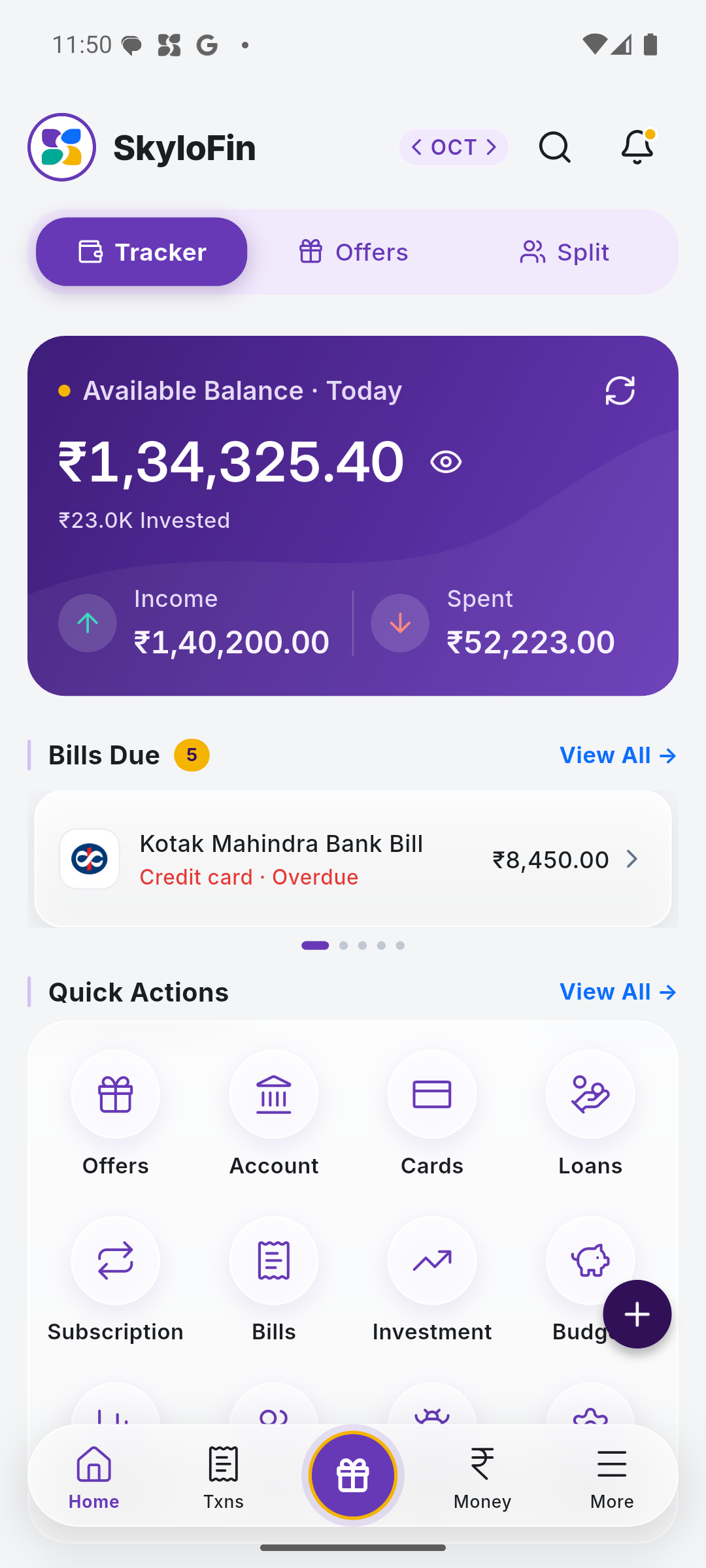
The search icon sits at the top of every main page, before the bell, next to your photo and name.

Search
Tap the search icon and type a payee, an amount (like 450), a bank, the last digits of a card, a bill or a fund. Results come in groups:
- Pages: a part of the app, like Budget or Reports.
- Accounts and cards, with their last digits and balance.
- Bills and subscriptions, with the due date.
- Investments and policies.
- Transactions: the latest 30 that match.

Tap any result to open it. The Transactions tab keeps its own search box for long lists. See Transactions.