Every Subscription. What It Really Costs.
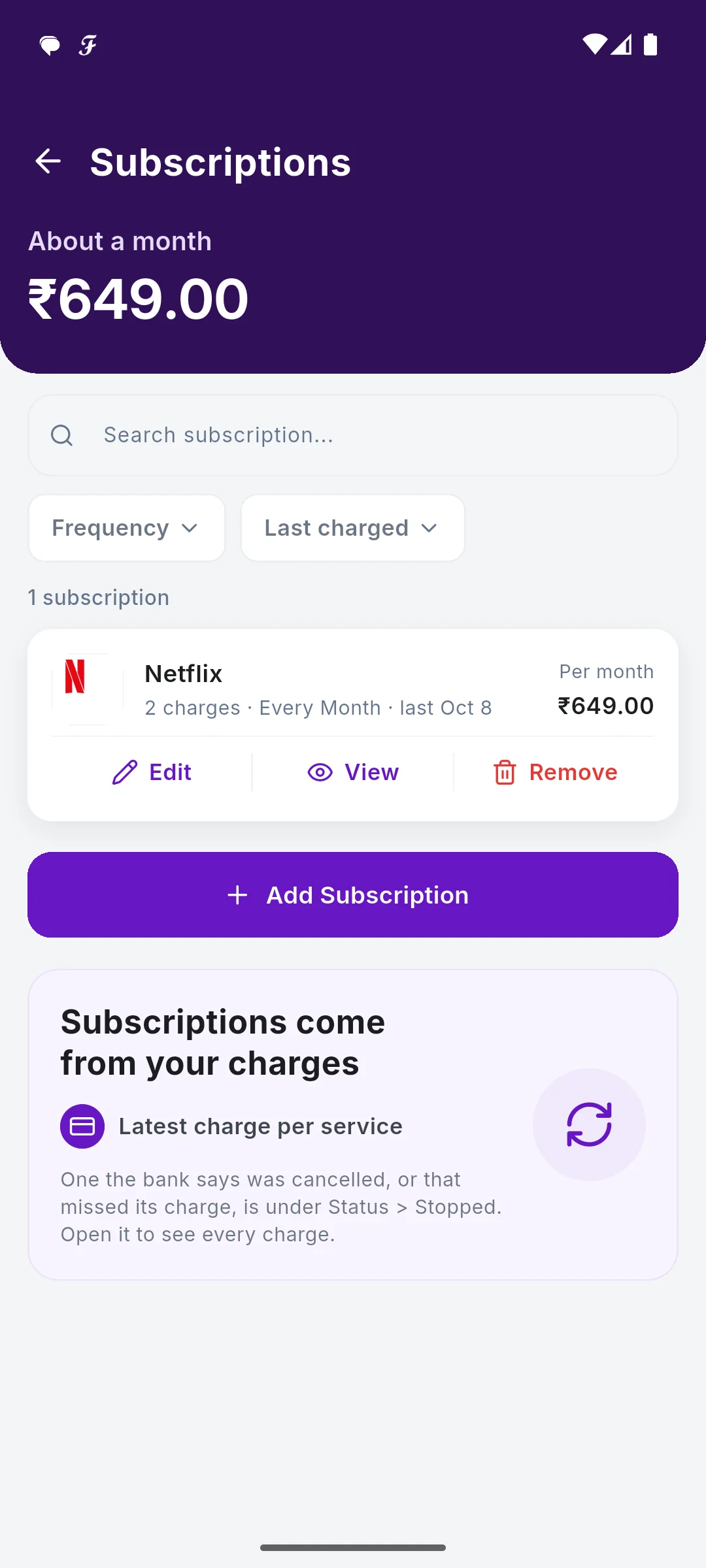
Streaming, cloud storage, apps, gym: small monthly payments add up and are easy to forget. SkyloFin lists every subscription and AutoPay it finds in your bank messages, with what each costs a month and the total, so you can decide what to keep.
- 1 listEvery subscription
- /monthCost of each, and the total
- AutoPayStanding instructions found
What You Get
Everything below is in the app today.
All of them, in one list
Every payment in the Subscription category, grouped by merchant, with what it costs per month and the total at the top.
AutoPay found for you
Standing instructions and AutoPay mandates in your bank messages, such as a streaming or cloud plan, are picked up as subscriptions.
Active or stopped
See which ones are still being charged and how often, and a page per subscription with every payment by year.
Add one before it starts
Add a subscription that has not been charged yet, so it is in the total from day one.
The cancel moment
Seeing the same amount leave every month, with a name on it, is usually when people cancel the one they forgot.
Nothing to connect
No card or bank login. It comes from the messages your bank already sends you.
See It in the App
Real screens with sample data.
How It Works
Payments arrive
Your bank's SMS for each charge and AutoPay.
They are grouped
One line per subscription, with its monthly cost.
See the total
What all of them cost you a month.
Decide
Keep it, or cancel it with the provider.
Step by step, with screenshots
Common Questions
How does SkyloFin find my subscriptions?
From your bank messages: payments in the Subscription category, and standing instructions or AutoPay mandates. You can move a payment in or out by changing its category.
Can SkyloFin cancel a subscription for me?
No. It shows what you pay; you cancel with the provider or in your UPI app's AutoPay list.
A subscription is missing. What do I do?
Open the payment and change its category to Subscription, or tap Add Subscription.
More in SkyloFin - Expense Tracker
Want It on Your Phone?
SkyloFin is free, with no ads and nothing to buy, and needs Android 7.0 or later.