Your Money Data, Locked to You.
SkyloFin keeps your transactions on your phone, never on our servers. A backup goes to a private, encrypted folder in your own Google Drive that only the app can open; the app itself locks with your fingerprint, face or screen lock.
- Your DriveWhere the backup lives
- EncryptedOnly the app can open it
- 0Bank logins, ever
What You Get
Everything below is in the app today.
On your phone, not our servers
Your transactions, accounts and balances are stored on the device. SkyloFin's servers never hold them.
Encrypted, in your own Drive
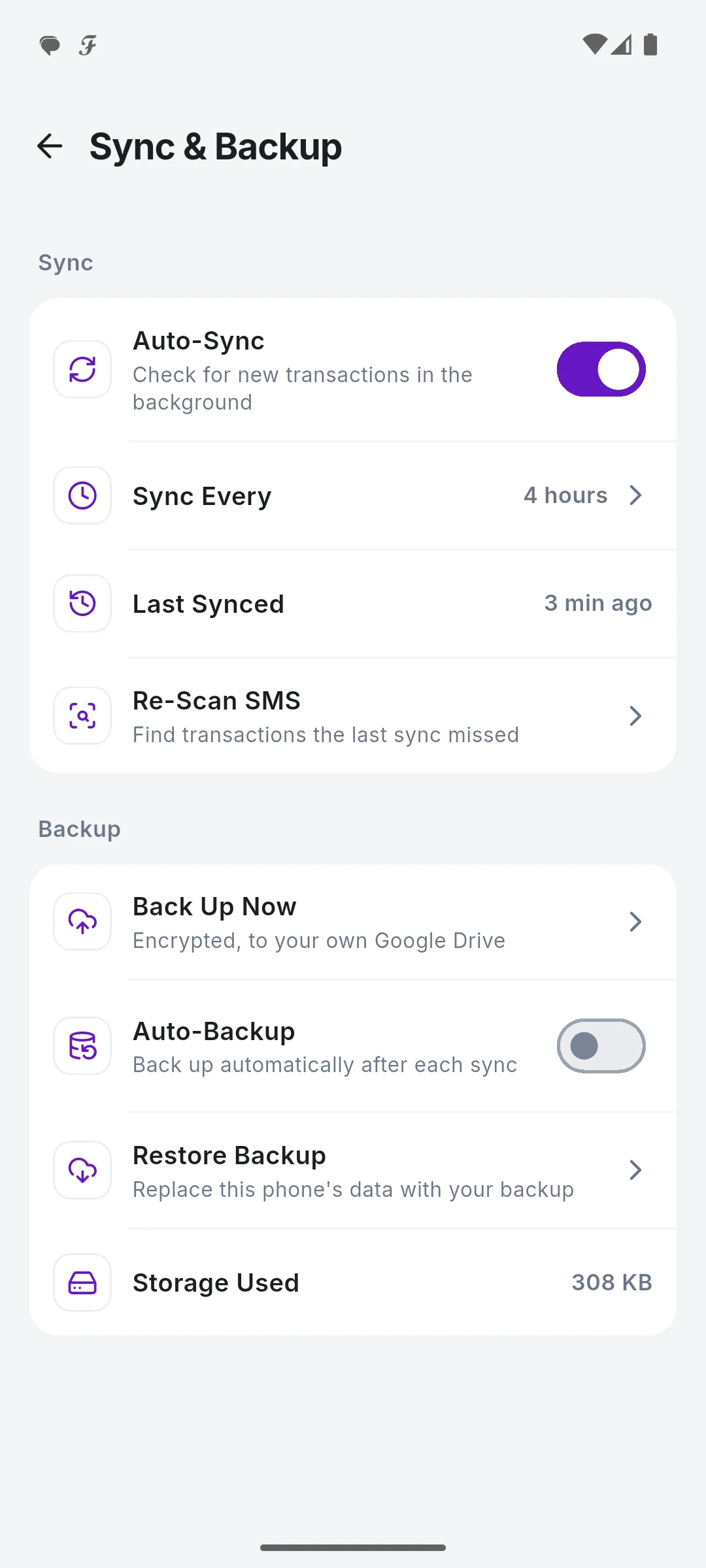
The backup goes to a private folder of your Google Drive that only the app can open. Back up now, or after each sync.
New phone, same data
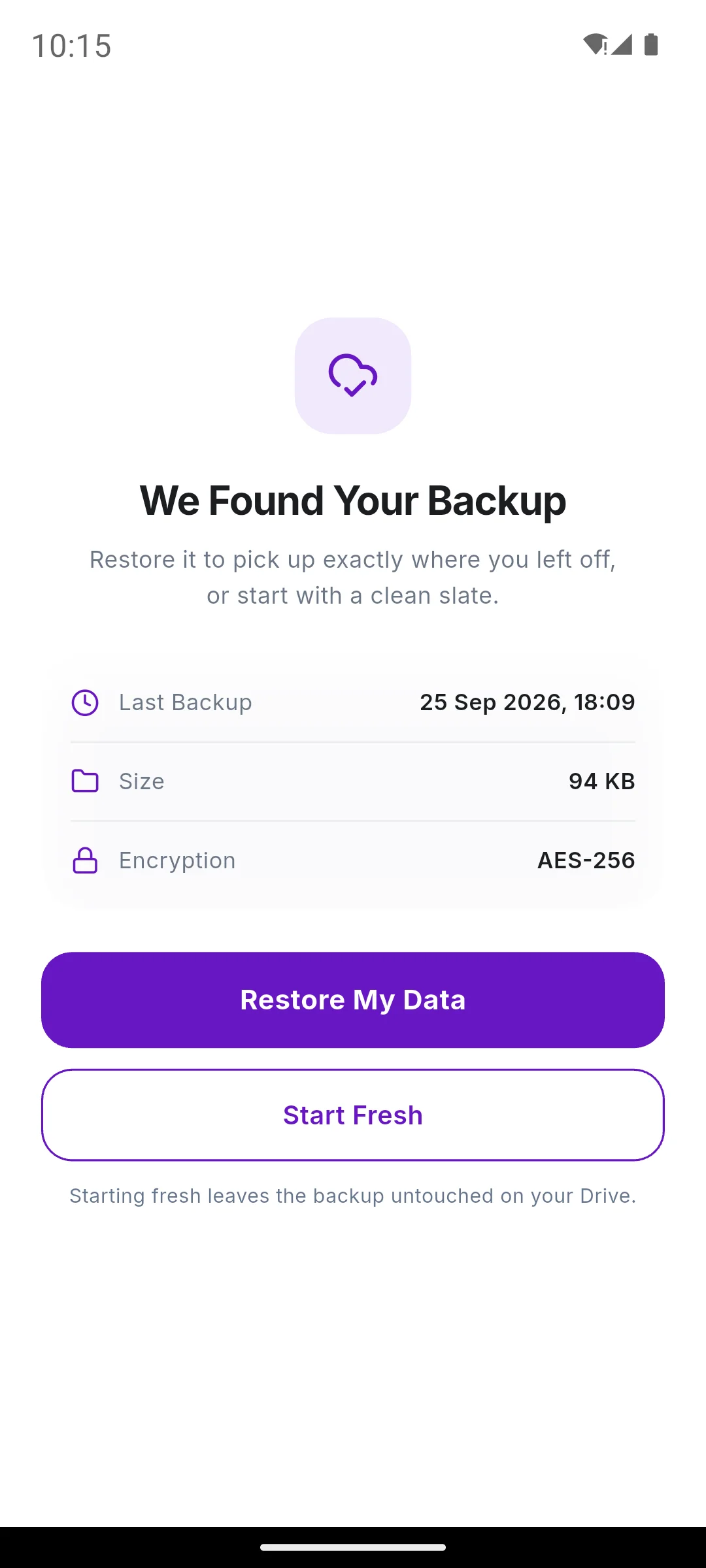
Sign in with the same Google account and tap Restore My Data. Or Start Fresh; the backup stays untouched.
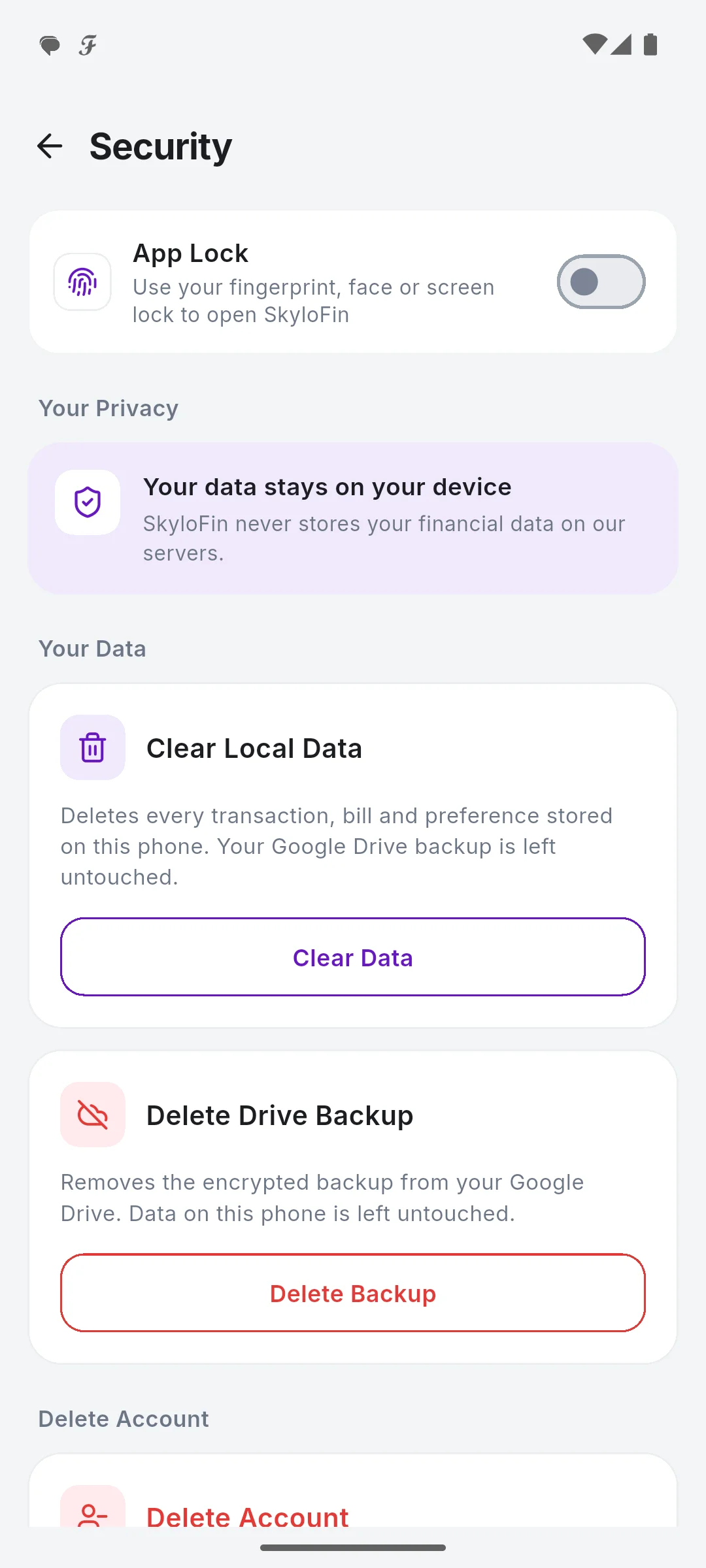
App lock
Fingerprint, face or screen lock when the app opens, right away or after 1, 5 or 15 minutes.
Hide amounts
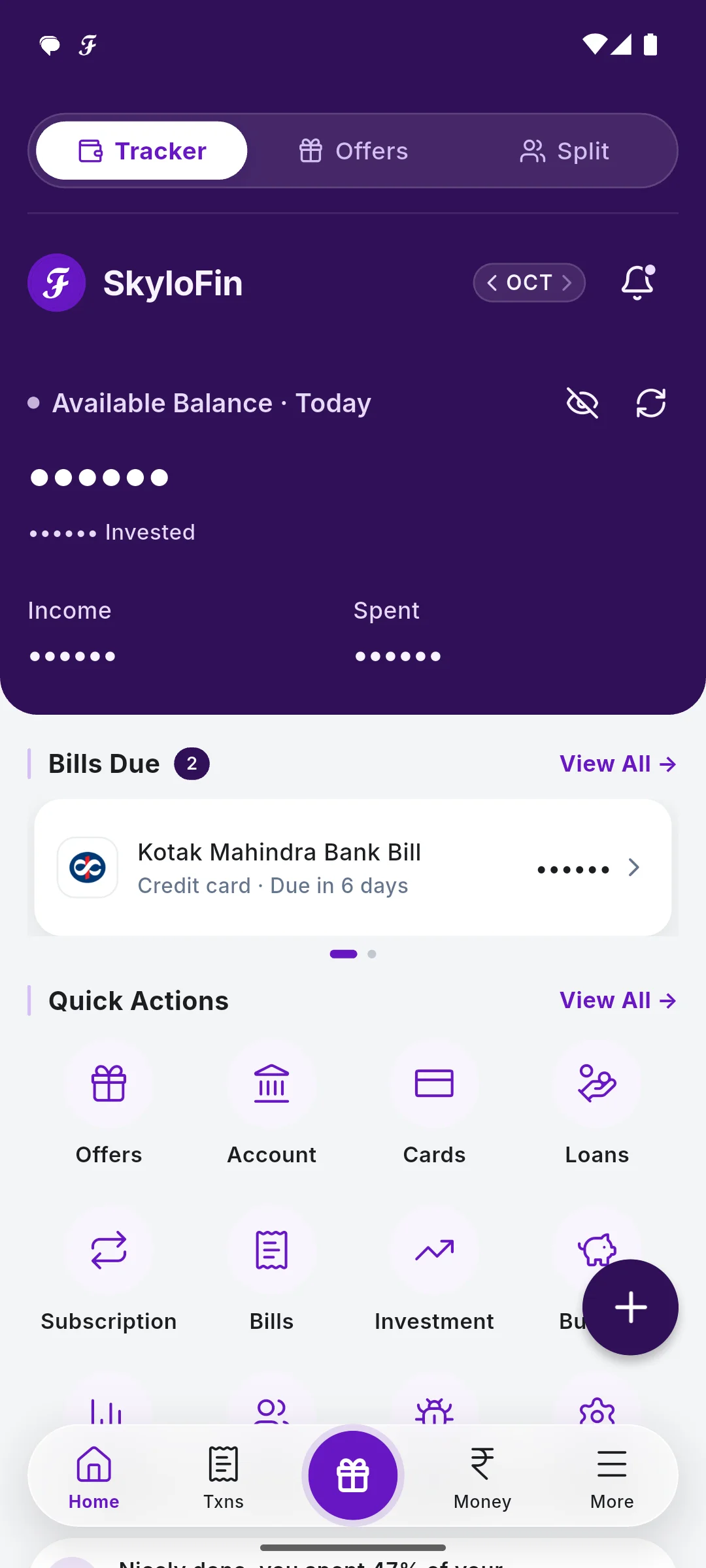
One tap on the eye hides every amount, handy in public. Keep them hidden by default if you like.
Delete it all, any time
Clear your data on the phone or delete your account from the app; your backup is yours to delete in Drive.
See It in the App
Real screens with sample data.
How It Works
Sign in with Google
No bank login; the Google account holds your backup.
Turn on Auto-Backup
Profile, Sync & Backup.
Turn on App Lock
Profile, Security.
Change phones freely
Restore My Data on the new one.
Step by step, with screenshots
Common Questions
Can SkyloFin see my transactions?
No. They are read and stored on your phone. The backup is encrypted in your own Google Drive, in a folder only the app can open.
What if I lose my phone?
Install SkyloFin on the new phone, sign in with the same Google account and tap Restore My Data when it finds your backup. Turn on App Lock so nobody else can open it.
Does SkyloFin ask for my bank password or OTP?
Never. It reads the alerts your bank already sends; it cannot send or delete a message.
More in SkyloFin - Expense Tracker
Want It on Your Phone?
SkyloFin is free, with no ads and nothing to buy, and needs Android 7.0 or later.