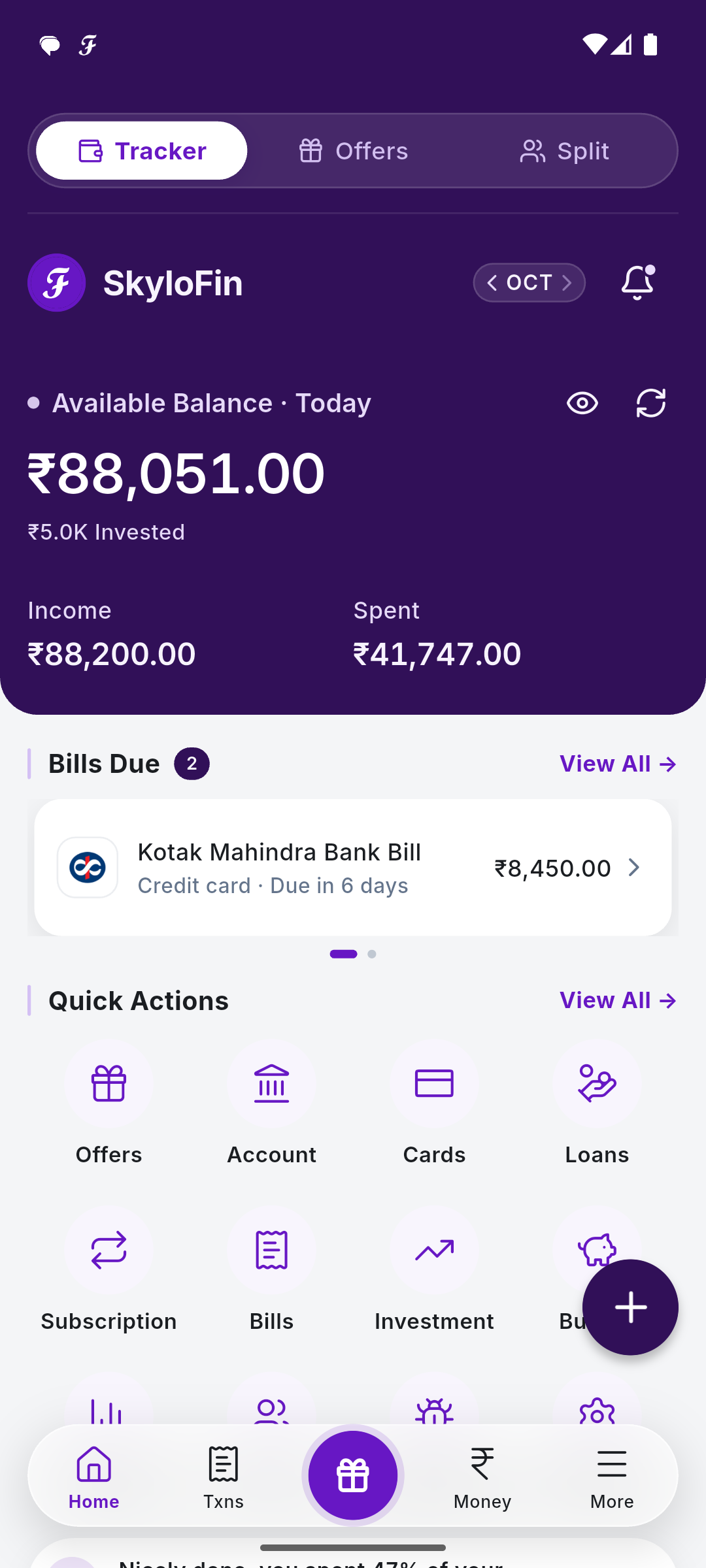
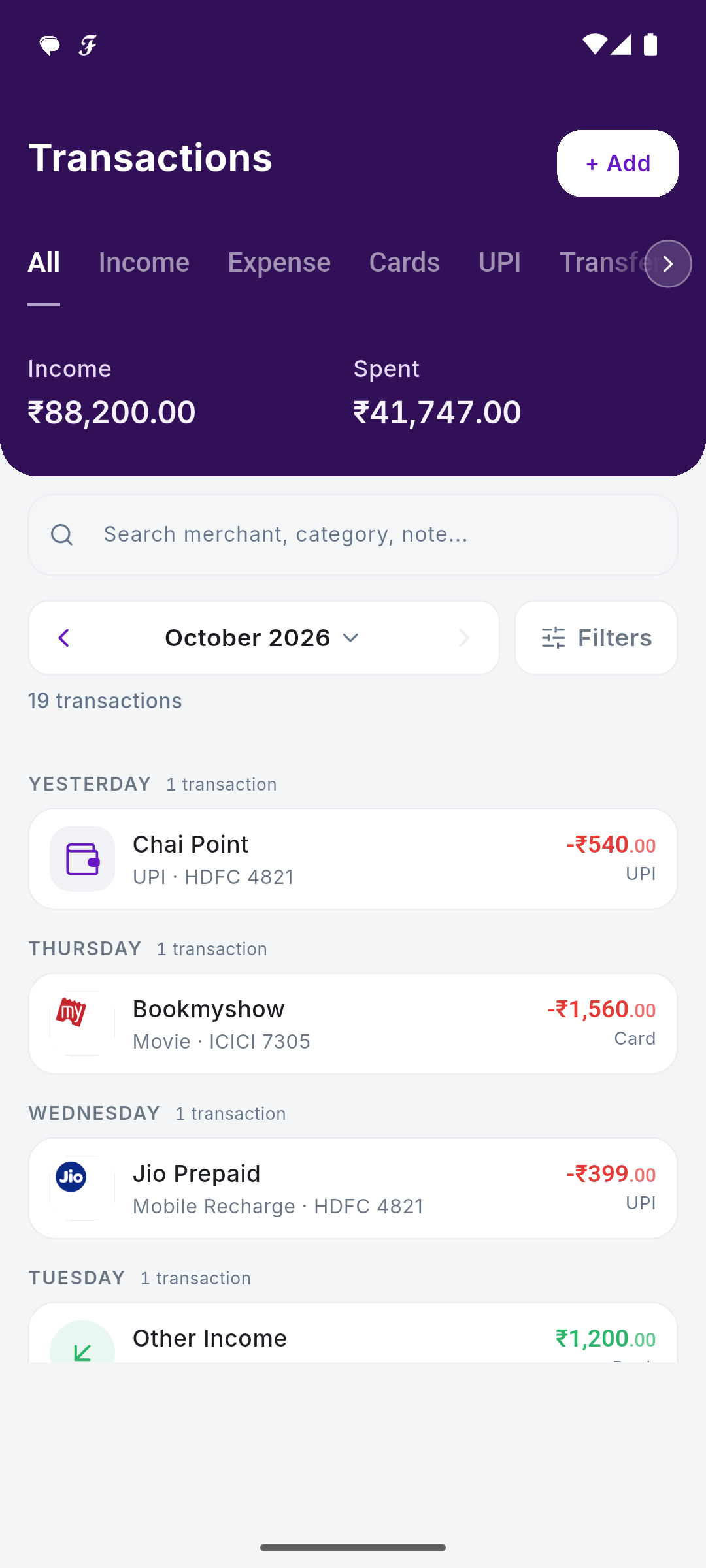
Open Reports from Quick Actions or the More tab.

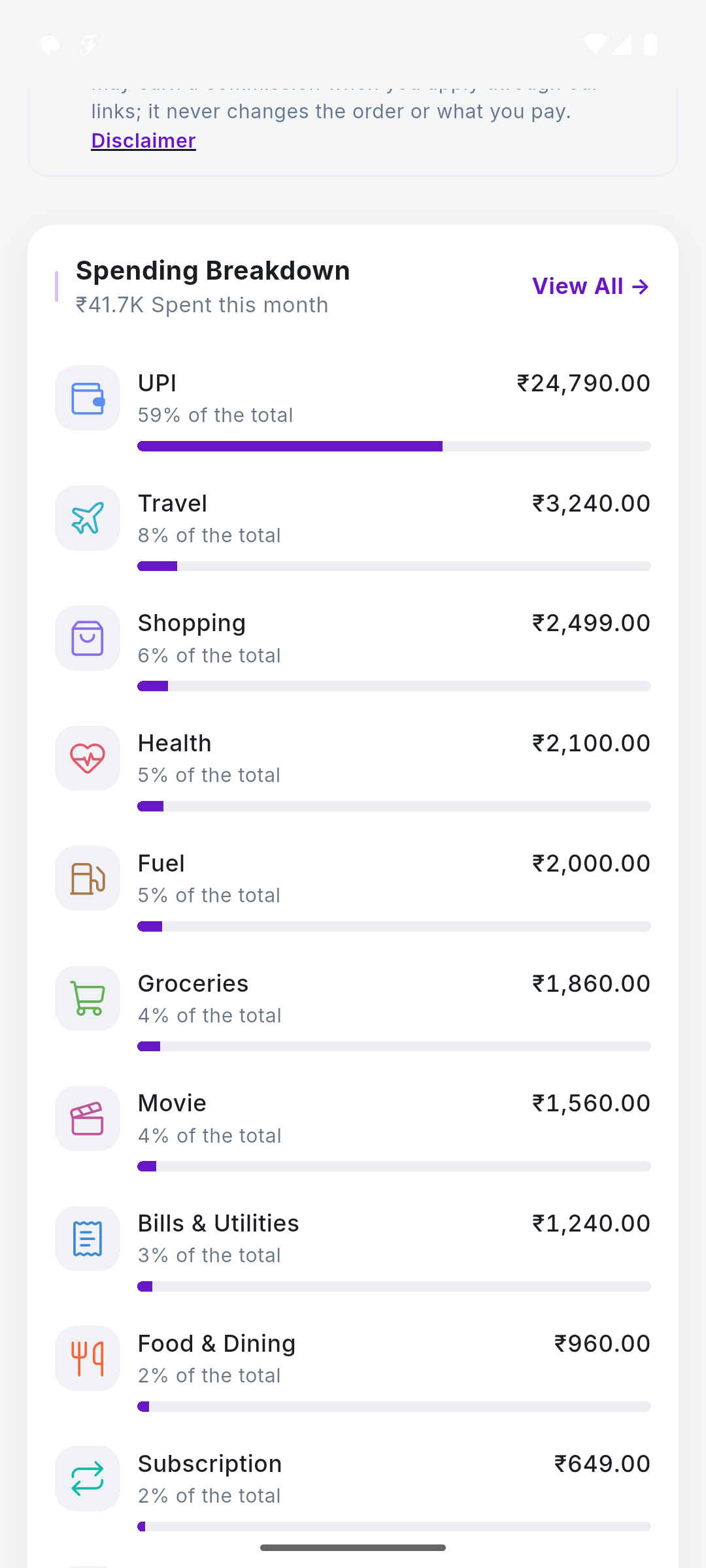
Net Savings is what was left this month, compared with the month before. The Income, Expense and Invested tabs each break it down by category. Change the month with the arrows at the bottom of the purple header; the filter button at the top right sets the period, type and categories.
Export a PDF
At the bottom, tap Export Report as PDF to download the month.

Tip: For one account or card, use its Statement on its own page.