SkyloFin keeps the hisab with your friends next to your own spending. Split a dinner, note udhar you gave or got, or share a whole trip’s costs in a group. Your friends do not need the app: you send each one their share on WhatsApp, SMS or email, and they pay you by UPI.
Open Split
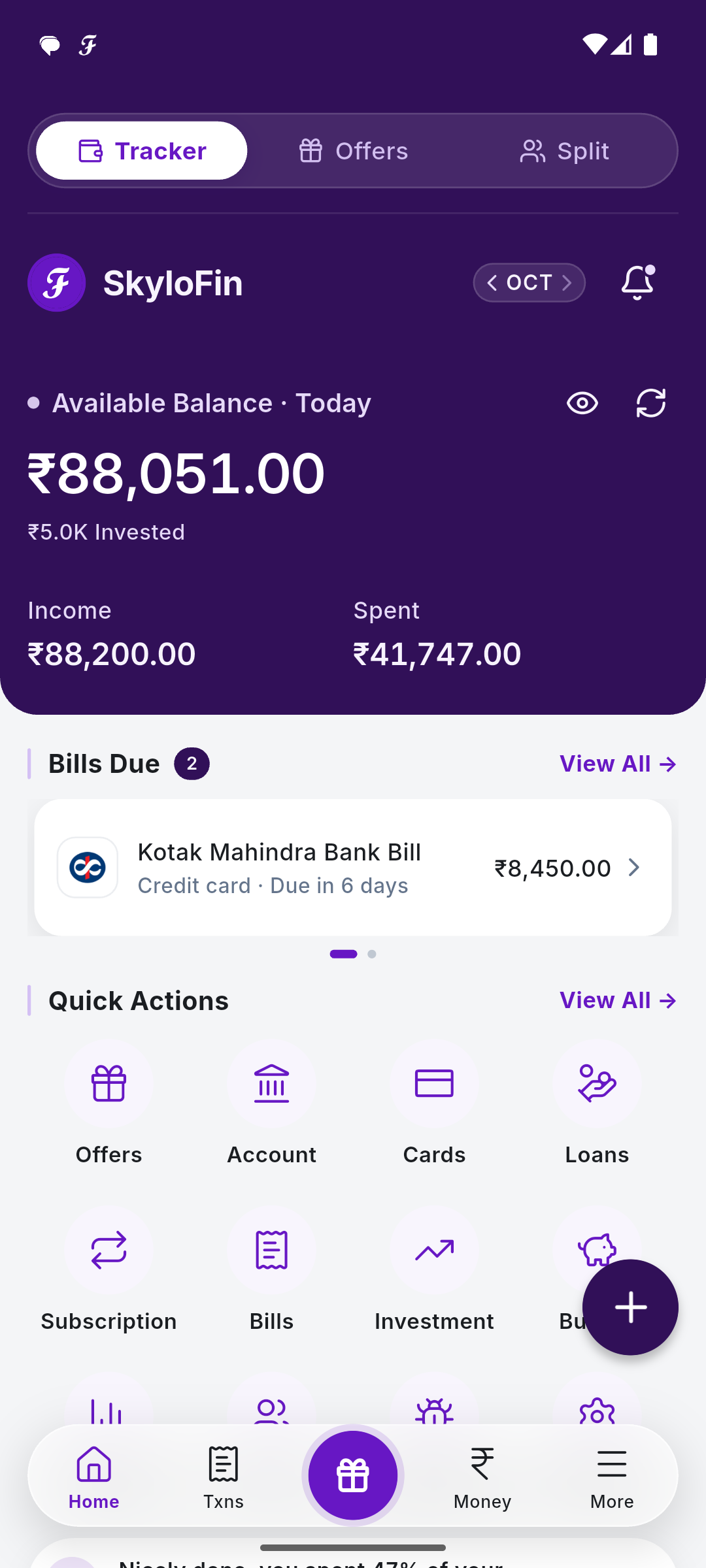
At the top of the Dashboard, tap Split in the switch Tracker · Offers · Split. It is also in Quick Actions, and a Split notification opens it too. Tap Tracker to go back.

What the page shows
- You’ll get and You owe: the totals across your splits and groups.
- The tabs: Overview, To Get, To Pay, Groups, With Friends, Settled and Activity, each with its count.
- Overview: You’ll Get From and You Owe, one card per friend (tap one to open their page; View All → opens the full list), then your groups.
- Each group and split has Edit, View and Remove.
- The bell opens Notifications: pay-backs and trip payments for you to check.

To Get and To Pay
To Get lists every amount still owed to you, one row per friend and item (a split, or their part of a group), with the count and total. Filter by Date, Group, Category or Kind. To Pay is the same for what you owe. Tap a row to open it.

The footer
On every Split page: Home (back to the main app), Split (this page), + (add a split, udhar or a group), Udhar and Pay Ways (your UPI details, see how friends pay you).
Shared trips are locked on your phone
Splits, udhar and groups are saved on your phone and go into your encrypted Google Drive backup with the rest of your data. When you share a trip with friends who have SkyloFin, it is locked on your phone with a key only the trip’s members hold, so even SkyloFin can’t read it: not the names of expenses, amounts or notes. Your own transactions and bank SMS never leave your phone, and friends’ phone numbers are never sent to us. SkyloFin never sends a message for you and never moves money.
Next: split a bill, keep udhar or create a group or trip. More on the website: Split bills with friends and Udhar.