In Split, tap +. Add Split & Udhar opens with Split and With Friends chosen.
Amount, what for and who
- Total amount and What for, for example 1,800 and Pizza night.
- Split with: From Contacts picks from your phone’s contacts (SkyloFin does not ask for the contacts permission; Android shows its own picker), or Type Name for a name and mobile number. Friends you have split with before show as you type.

How you paid, and your share
- You paid with: UPI / Bank / Card or Cash. Which payment was it? (optional) links the payment from your transactions, so it is not counted twice. Cash moves your Cash wallet.
- Date: Today, or Change.
- Include my share: on by default. Turn it off when you paid only for them.
- The line above it shows the result, such as 2 friends owe you ₹600 each. Tap Save Split.

The split’s page
After saving, the split opens: You’ll get, the type, date and total, Edit, All paid and Remove, and each friend with Mark paid and Remind.

Send a friend their share
Tap Remind beside a friend and pick WhatsApp, SMS, email or Copy. The message names their share and how to pay you. The first time, SkyloFin asks for your UPI details: see how friends pay you.

Split a payment you already made
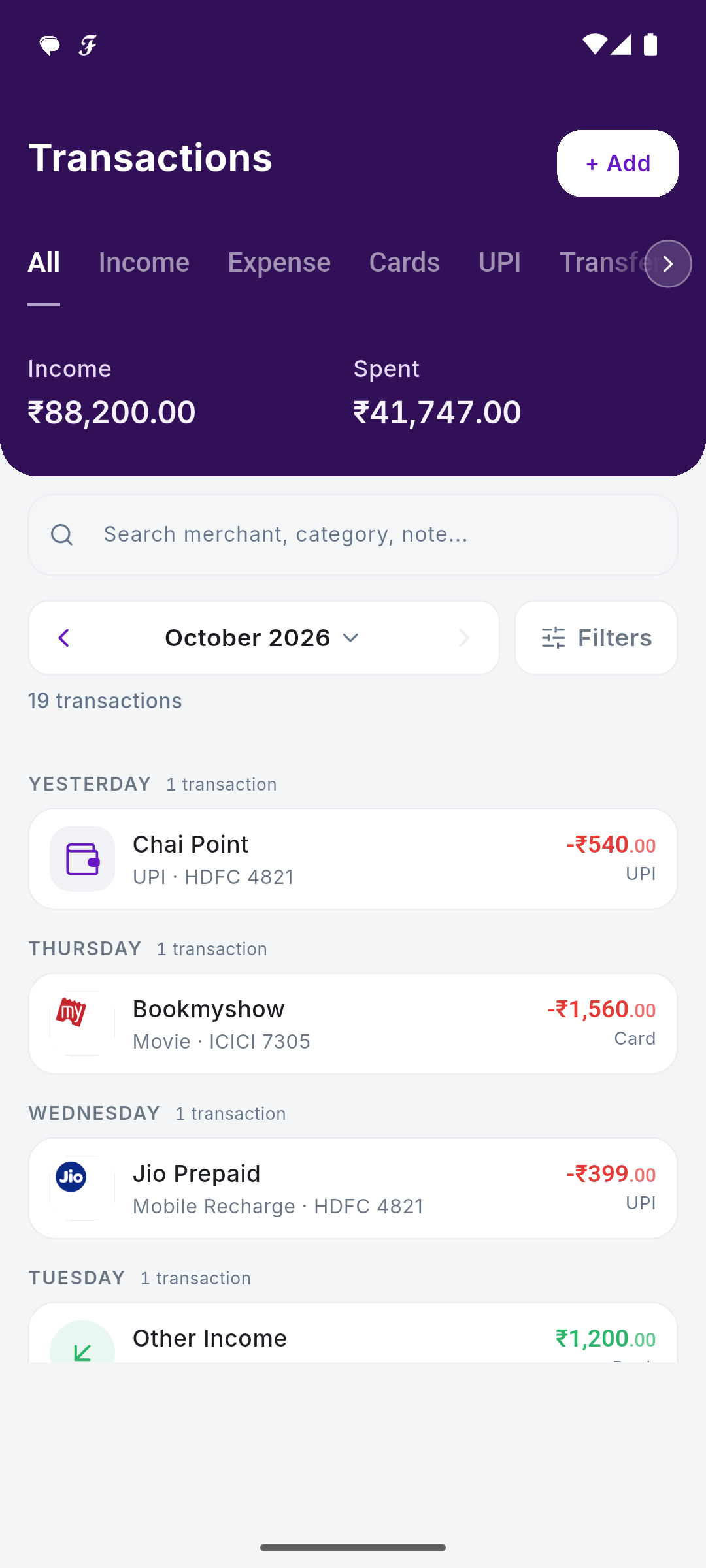
Swipe right on a payment in any transaction list, or open it, tap the menu and choose Split & Udhar. The same page opens with the amount filled in. A payment already split opens that split instead of a second one. What a swipe does can be changed in your Profile, under Money.
Tip: Removing a split never removes your payment. It stays in your transactions.