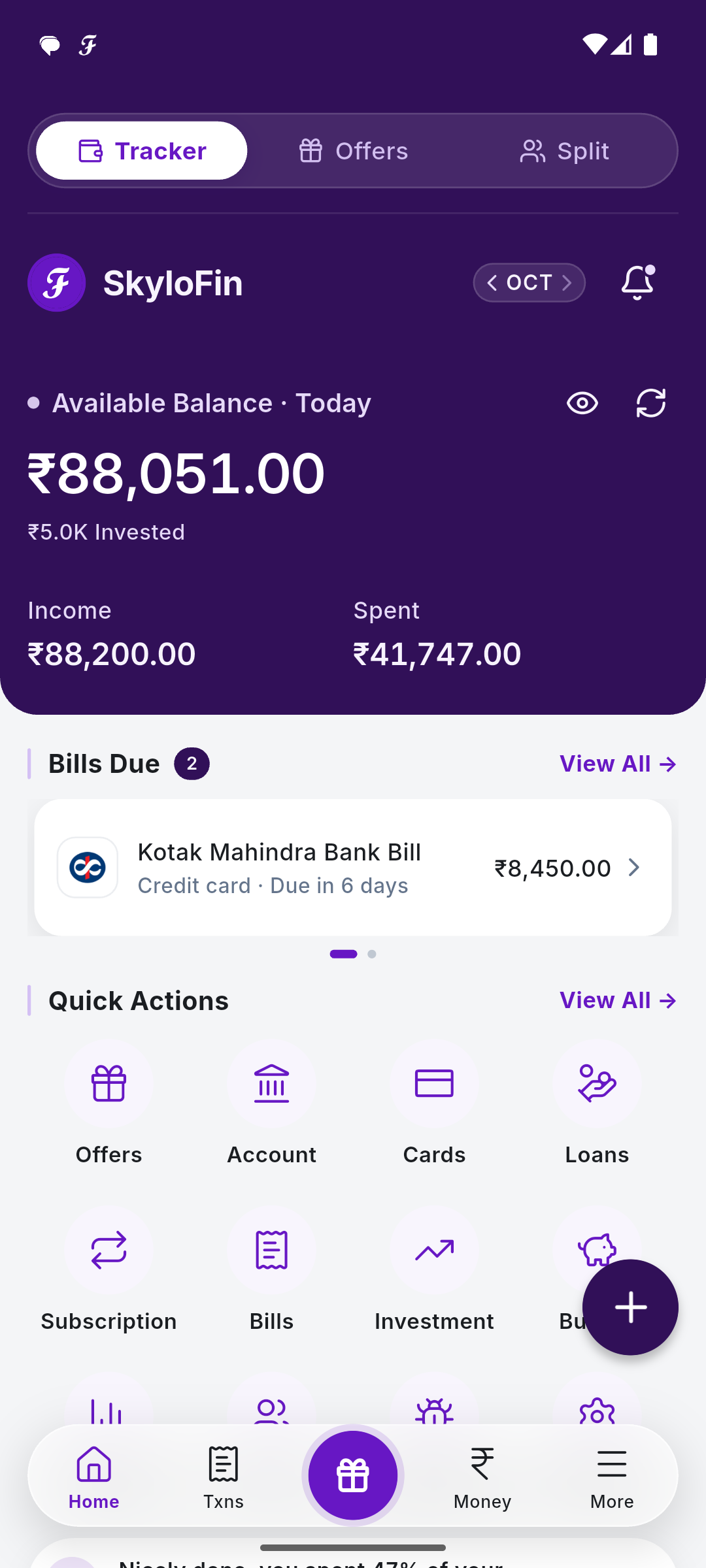
Open Cards from Quick Actions. The Credit and Debit tabs list your cards, with Total outstanding at the top and Unpaid Bills below.

A card’s page
Tap View on a card to see its Total Due and due date (No statement yet until the bank sends one). Tap Mark As Paid once you have paid. Bill reminders remind you a week, 3 days and the day before, on the due day, and one day after.

Further down, the card’s Statement lists its transactions for any period: this cycle, last cycle, the last 3 months, this year or your own dates.
Tip: A card statement SMS becomes a bill on its own. Paying the card from your bank account is not counted as new spending.