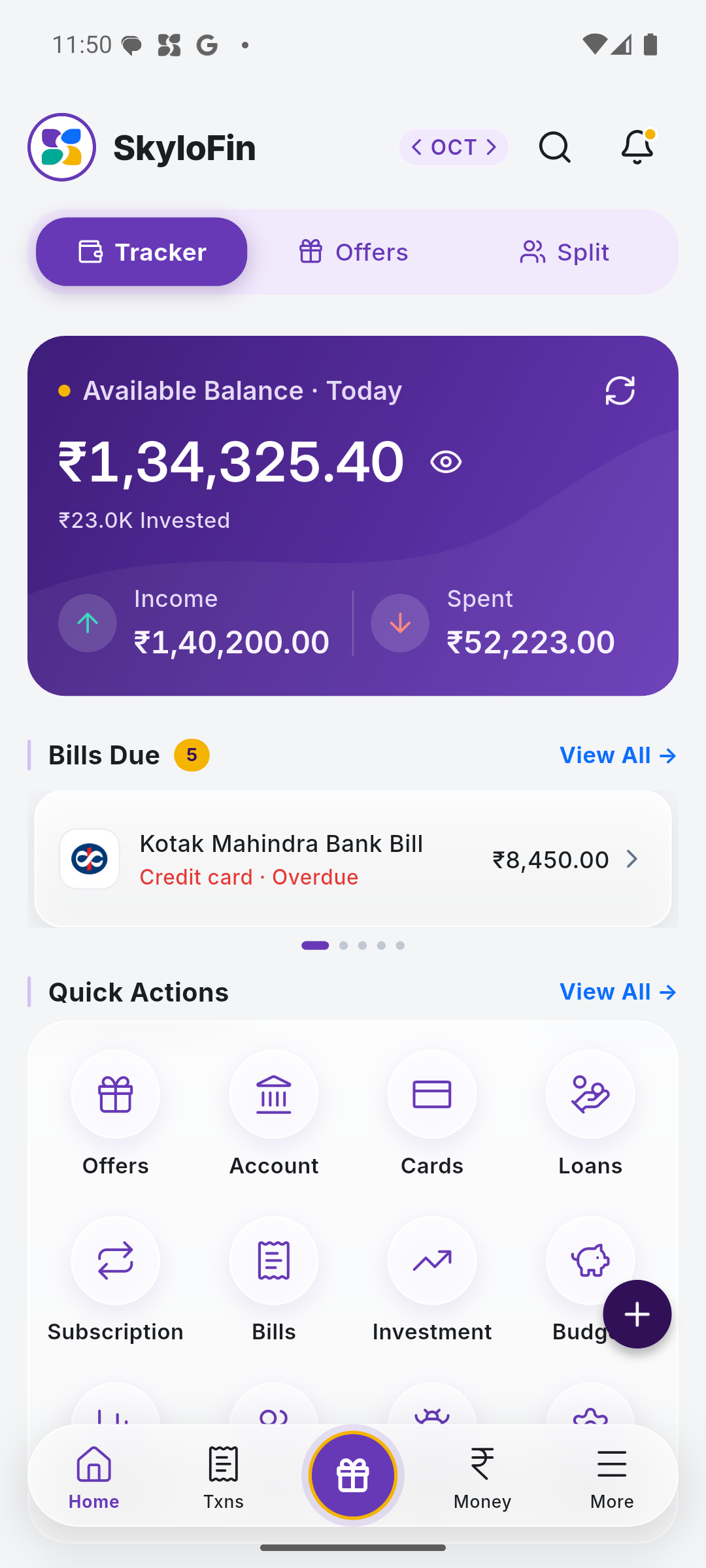
New in the App
Home screen widgets, search everything, sub-categories, statement import and more.
- Step 42Home Screen WidgetsPut your spending, budget, bills, balance, net worth, udhar or split on your phone’s home screen.Read guide →
- Step 43Search EverythingOne search at the top of every main page finds payees, amounts, banks, cards, bills, funds and pages.Read guide →
- Step 44Sub-categoriesGo one level deeper than a category: Food > Restaurants, Subscription > Streaming.Read guide →
- Step 45Choose Several TransactionsChange the category, add a tag or remove many transactions at once.Read guide →
- Step 46Import a Bank StatementAdd a bank’s CSV statement to an account: older months, or a bank that sends no SMS.Read guide →
- Step 47Receipt PhotosKeep a photo of the bill with any transaction.Read guide →
- Step 48Foreign Spends in RupeesA card spend in dollars, euros or another currency is shown in rupees, with the original amount beside it.Read guide →
- Step 49Reimbursable SpendsMark a spend your office or a friend will pay back, so it stays out of your spending and budget.Read guide →