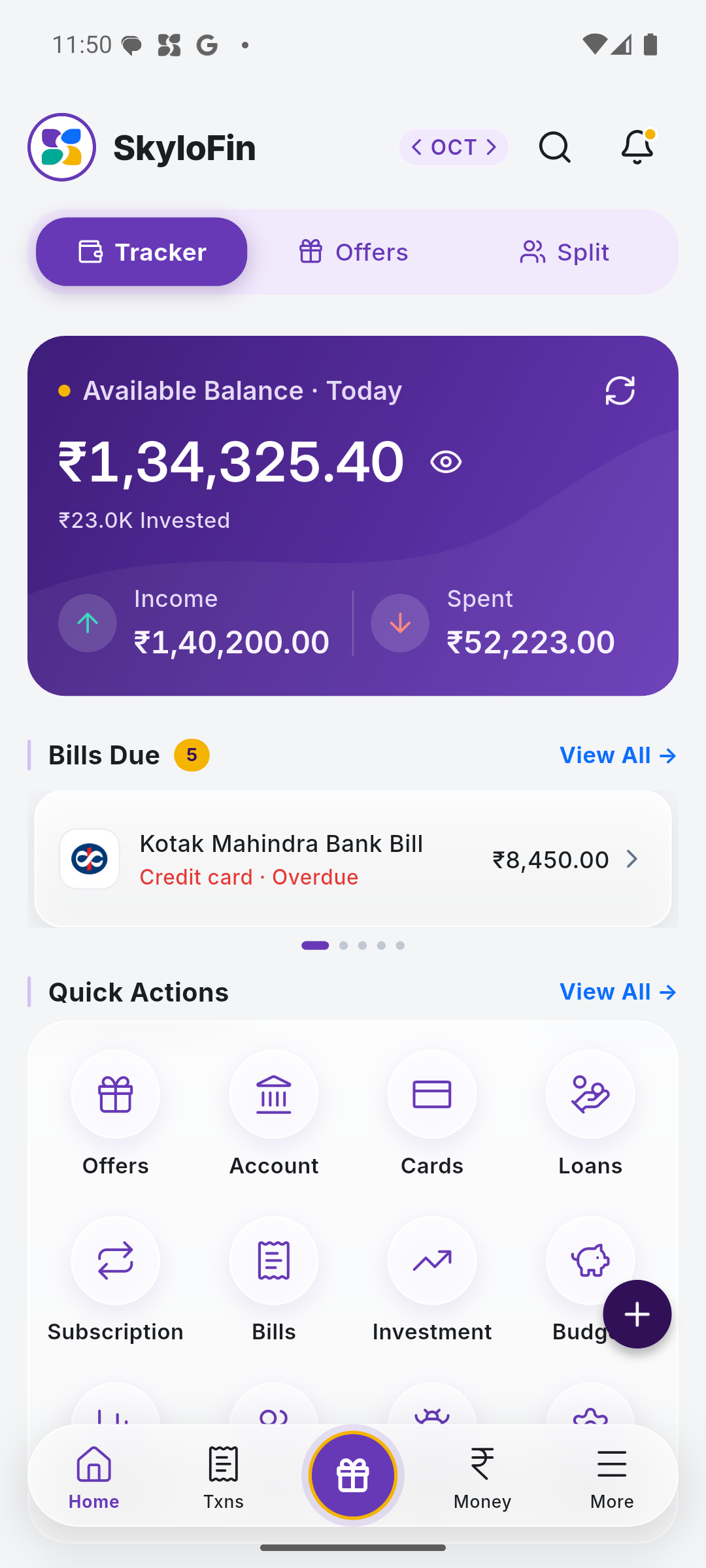
SkyloFin has seven widgets for your phone’s home screen. Each shows one figure, the same one the app shows, and updates when the app’s data changes.
Add a widget
- Touch and hold an empty part of your home screen.
- Tap Widgets.
- Find SkyloFin (or type it in the search box) and tap it.
- Touch and hold the widget you want and drag it to your home screen.

What each one shows
- Spent today: what you spent today, and this month so far.
- Budget: what is left of this month’s budget, and how much that leaves for each day.
- Bills due: how many bills are due in the next 30 days, and the next one.
- Available balance: the money in your bank accounts.
- Net worth: what you hold less what you owe.
- Udhar and Split: what you will get and what you have to give.

Tap a widget to open its page in the app: Budget, Bills, Transactions, Money, Udhar or Split.
Tip: When Hide amounts is on in the app, the widgets hide their figures too. See App lock and hide amounts.