Share

Budgets and Savings Goals

Set a monthly budget, overall or per category, and see when you go over.

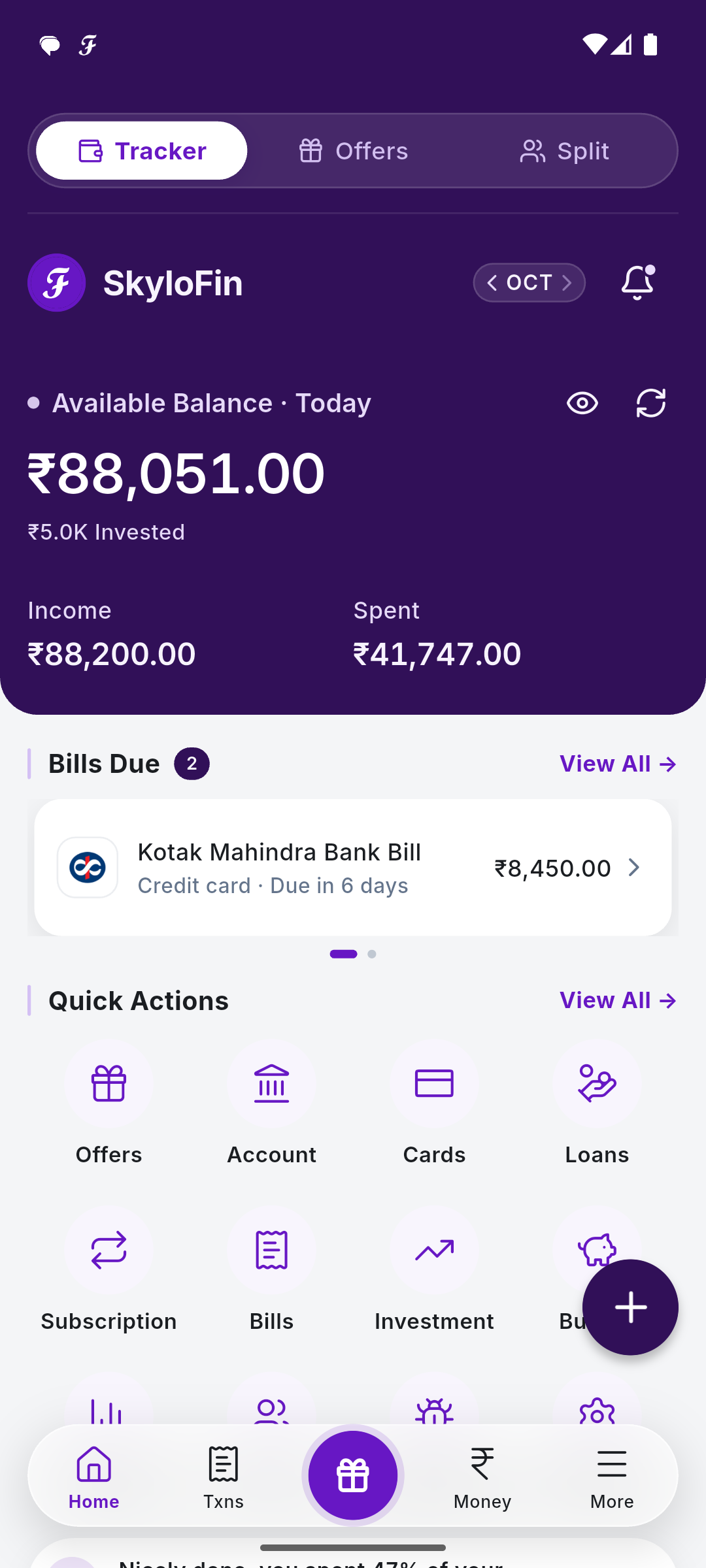
Open Budget from Quick Actions or the More tab.

Add a budget

Tap + Add Budget. Choose Overall or Category, enter the amount and tap Save Budget. You can also tap Set Budget on any category.

Add Budget with an overall budget of 50,000

Track it

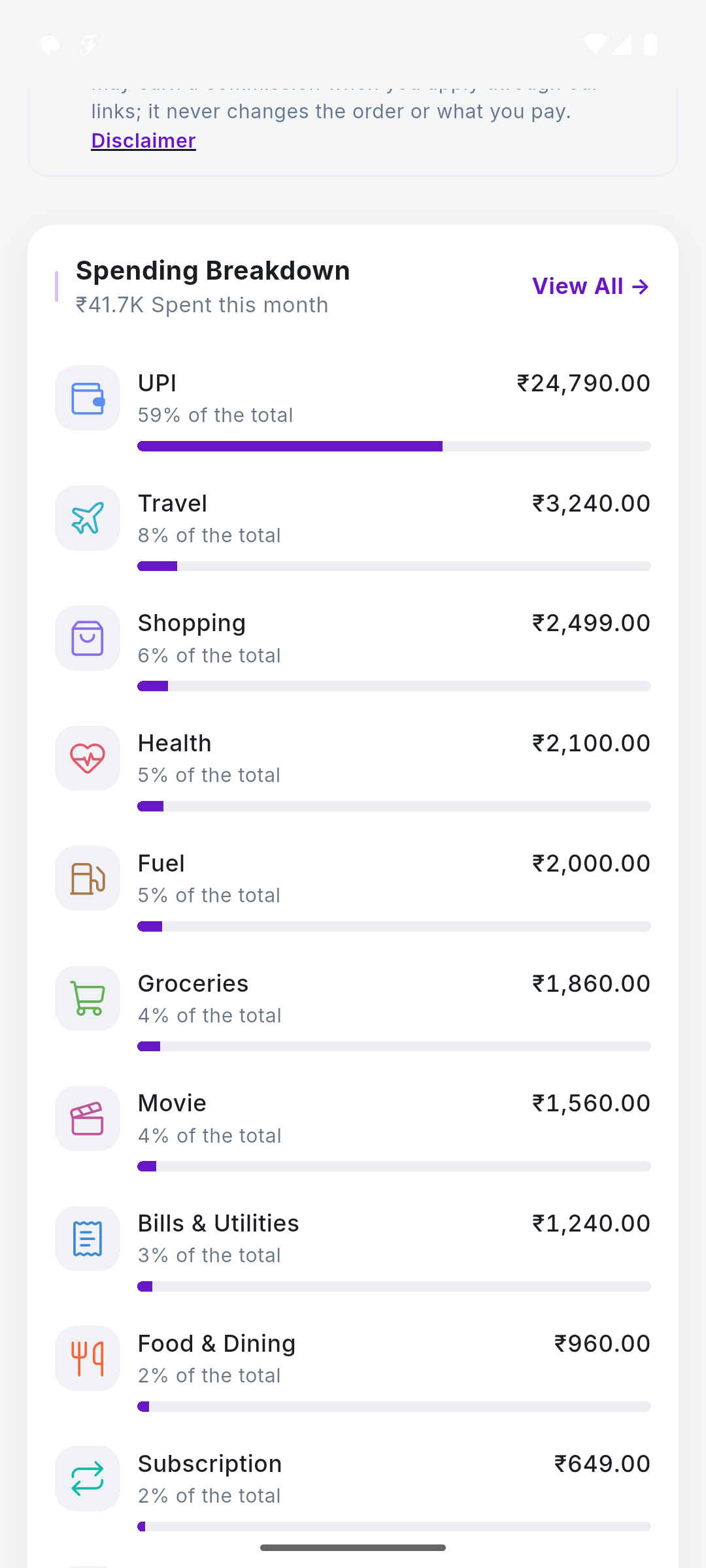
The budget card shows what you have spent against it. If you go over, it tells you by how much. Each category shows its share of your spending.

Budget: 41,747 of 50,000 spent, with the spending breakdown

With notifications on, you get an alert at 80% and at 100%. Lower down, Savings Goals lets you Add Goal with a name and target.
SkyloFin - Expense Tracker

Your Money. One Clear View.

Automatically organise your spending, track expenses and understand where your money goes.

  • Reads bank SMS No account linking, no passwords.
  • Sorts every rupee Into categories you can edit.
  • Bills and cards Statements found, due dates reminded.
  • Your Google Drive Backed up to you, never to us.