Share

Change an Account to a Loan

If an account is really a loan, like a home loan, set its type so it counts as money you owe.

Sometimes a loan account is found as a bank account, because its messages look alike. Setting it right makes your net worth correct: a loan is subtracted, not added.

Edit the account

Open the account and tap Edit. Under Type, choose Loan.

Account details with the Type choices

Pick the loan type

Choose one: Home Loan, Car Loan, Two-Wheeler Loan, Personal Loan, Education Loan, Gold Loan, Business Loan, Loan Against Property or Other Loan. Tap Save.

Loan type choices with Home Loan selected and Save

Where it shows next

It moves to Money, Liabilities, Loans, and to the Loans screen, which shows what you owe on each. You can also tap Add Loan there to add a loan by hand.

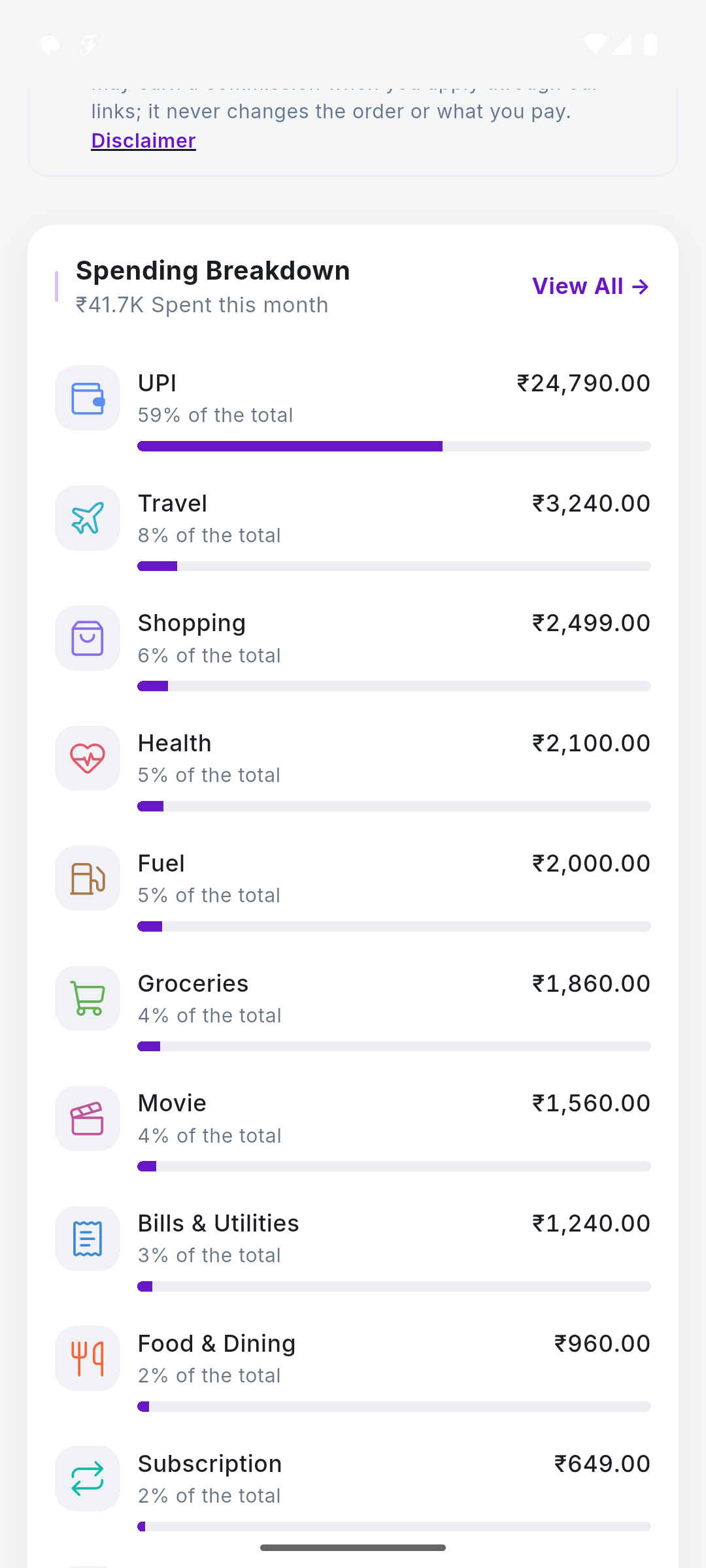
Loans screen with Add Loan
SkyloFin - Expense Tracker

Your Money. One Clear View.

Automatically organise your spending, track expenses and understand where your money goes.

  • Reads bank SMS No account linking, no passwords.
  • Sorts every rupee Into categories you can edit.
  • Bills and cards Statements found, due dates reminded.
  • Your Google Drive Backed up to you, never to us.