
Your salary lands on the 1st. By the 20th, it has gone into rent, an EMI, a few Swiggy orders, a Netflix renewal and forty small UPI payments you do not remember making. You open PhonePe and Google Pay, scroll back, and give up halfway.
An expense tracker fixes that, but only if you keep using it. Most people quit a money app in the second week, not because the app is bad, but because it asks them to type every ₹30 chai into a form.
So here is the short answer. If you hate typing, pick an app that fills itself in, either from your bank SMS (SkyloFin, Axio) or from the Account Aggregator system (Fold). If you like control and do not mind typing, a manual app such as Money Manager or Cashew works well. Below, we compare six apps on the things that decide whether you will still be using one in March.
How we compared them
We did not score apps on how many charts they have. We looked at four things that matter to an Indian user with a normal salary account and a card or two:
- How it fills itself in. Reading bank SMS on the phone, linking accounts through the Account Aggregator (AA) framework, connecting a bank feed, or typing by hand.
- India fit. Does it understand UPI, Indian banks and ₹ by default, or is it a global app you adapt?
- Cost and ads. What the free version does, and whether the Google Play listing says it contains ads.
- Where your data lives. On your phone, in your own Google Drive, or on the company’s servers.
Every fact about other apps below comes from their official site or Google Play listing, checked in October 2026. We have left out ratings and download counts because they change every week.
The seven apps at a glance
| App | How it tracks | Free plan | Worth knowing |
|---|---|---|---|
| SkyloFin | Bank and card SMS, read on the phone | Free, no ads | Android only; some bank formats still being added |
| Axio (was Walnut) | Bank SMS | Free | Also offers Pay Later, personal loans and FDs |
| Fold | Account Aggregator (OTP consent) | Free, in-app purchases | Android and iPhone; tracks EPF, NPS, investments |
| Money Manager (Realbyte) | Manual entry | Free with ads | Paid version removes ads |
| Cashew | Manual entry | Free, in-app purchases | Data stays on device |
| Wallet (BudgetBakers) | Bank sync, imports or manual | Free, in-app purchases | Android, iPhone, web; synced to its cloud |
| FinArt | Bank SMS, email and app notifications | Free, in-app purchases | Android and iPhone; family sync |
1. SkyloFin: automatic tracking that stays on your phone
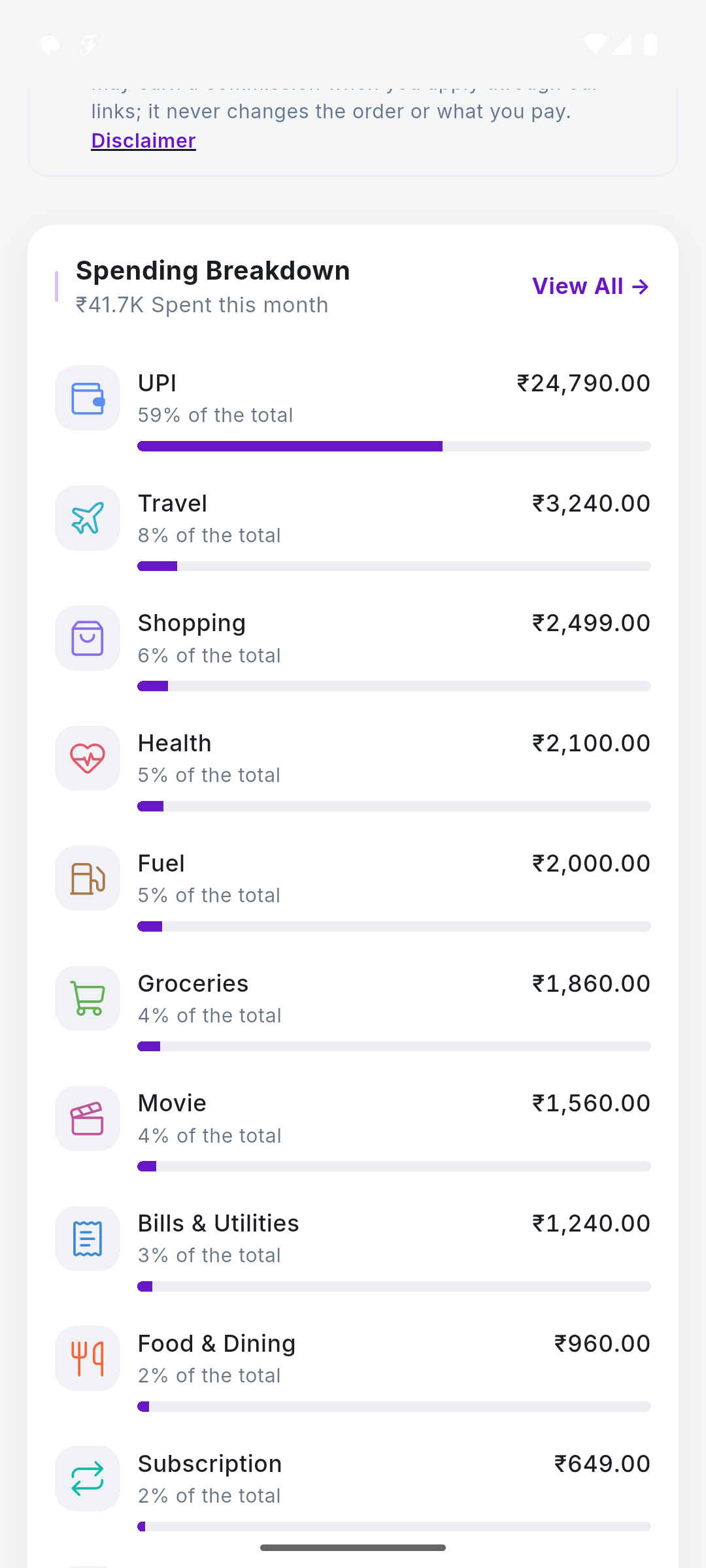
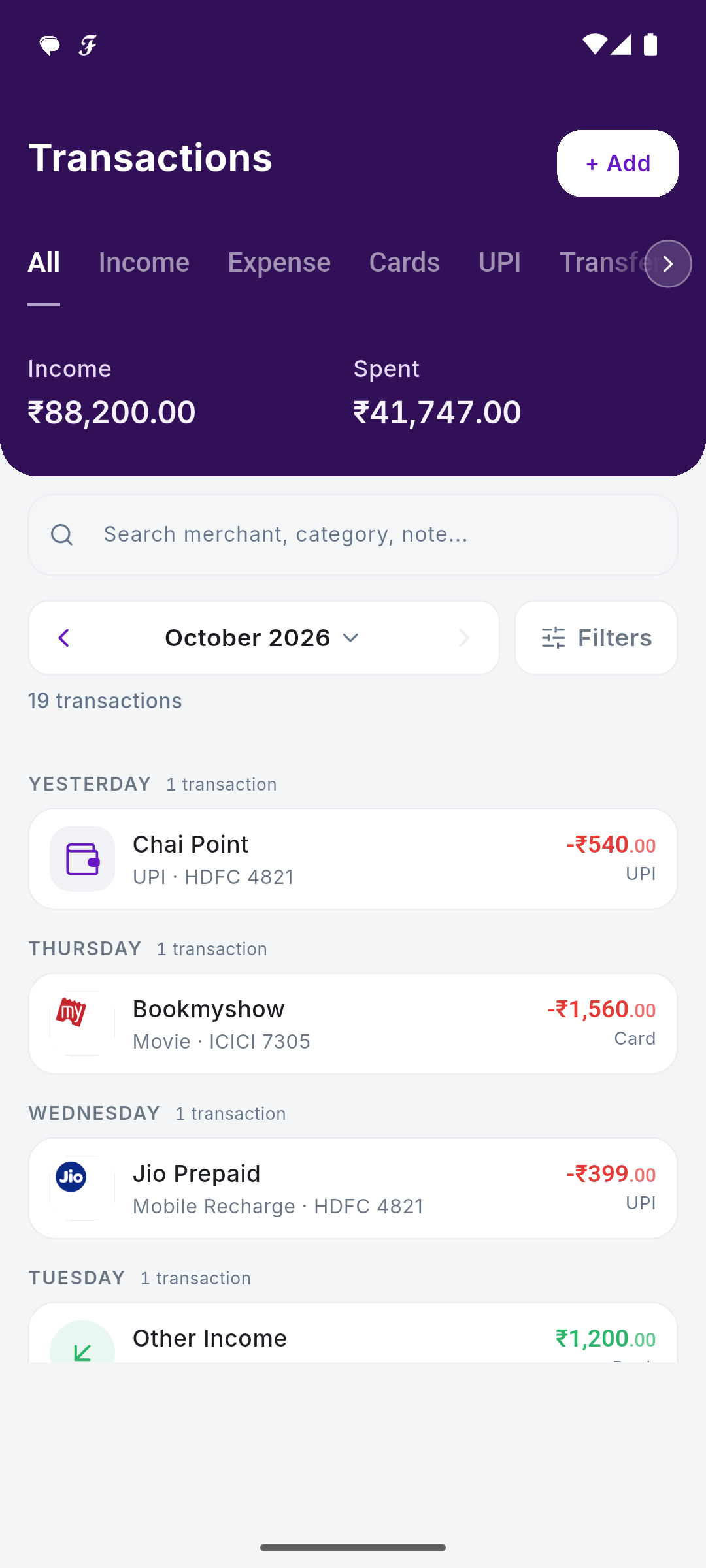
Full disclosure: this is our app, so read this section with that in mind. SkyloFin reads the transaction SMS your bank and card already send you, on the phone and with your permission, and turns each one into a transaction with the amount, date, account or card, shop and category. There is no bank login, no net-banking password and no Account Aggregator link.
Because every UPI payment triggers a bank SMS, your PhonePe, Google Pay and Paytm spends show up together without linking any UPI app. Data is stored on your phone, and backup goes to your own Google Drive, encrypted. It ignores personal messages and only reads bank, card and finance senders.
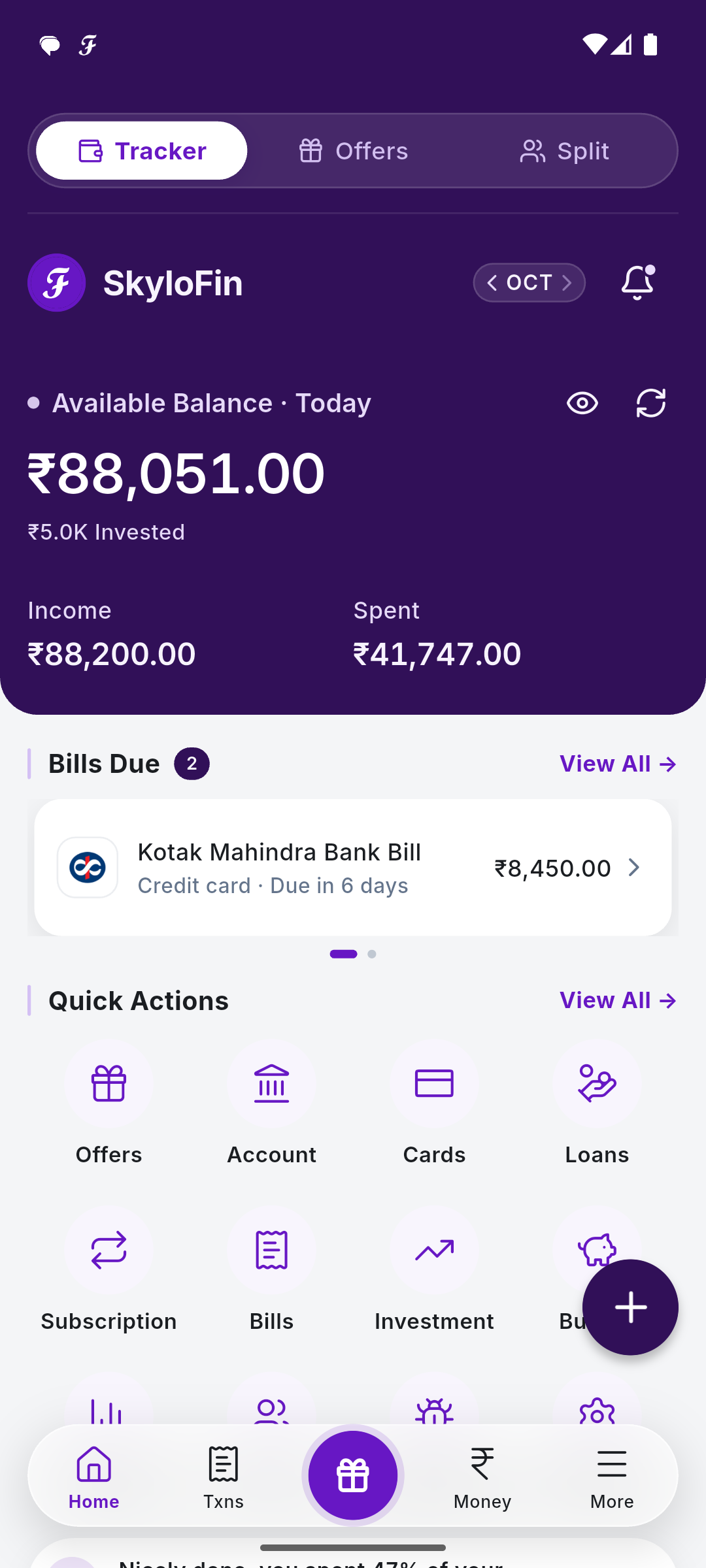
Beyond the transaction list, you get budgets and savings goals with a warning before you overspend, bills and reminders (card bills are picked up from statement SMS), subscriptions, net worth, reports with PDF export, and an app lock with a hide-amounts switch.
Limits: Android only, no iPhone app yet. It is a new app, so a few bank message formats are still being added. It does not make payments or move money. Cash spends need to be added by hand, like in every SMS-based app.
If that sounds like your kind of app, SkyloFin is free on Android, with no ads and no bank login.
2. Axio (formerly Walnut): the original SMS tracker, now a lending app too
Many Indians first met SMS-based tracking through Walnut. The app is now called axio, and its Google Play listing still describes it as an SMS-based money management app. It tracks daily and monthly expenses, shows bank, card and wallet spends together, reminds you about credit card dues and utility bills, and lets you add tags, notes and receipt photos.
Worth knowing: the listing also gives a lot of space to axio Pay Later, personal loans and fixed deposits. That is not a problem in itself, but if you want a tracker with no credit products in it, it may feel busy.
3. Fold: Account Aggregator, with investments in the same view
Fold takes a different route. It connects to your bank through India’s Account Aggregator framework, where you approve access with an OTP instead of sharing a password. Its website says plainly that it does no SMS scraping and no email scraping.
The upside is breadth. Fold tracks bank accounts, credit card dues, mutual funds, stocks, EPF, NPS, FDs and your credit score, with budgets, recurring expense tracking and shared Spaces for family. It is on both Android and iPhone. Worth knowing: your bank needs to support the AA framework, and data flows through the AA system rather than staying only on your phone.
4. Money Manager (Realbyte): the classic manual ledger
Money Manager is a long-running manual app built on double-entry bookkeeping, so money moves between your accounts the way an accountant would record it. It has budgets with graphs, credit and debit card tracking with a settlement date, recurring entries, a passcode and Excel backup.
Worth knowing: you type everything. The Play listing says the app contains ads; the paid version removes them and lifts the free limit of 15 assets.
5. Cashew: clean, private, manual
Cashew is a manual tracker with flexible budgets (weekly, monthly, yearly or any custom period), clear charts and reminders for subscriptions and upcoming payments. Its listing says your data stays on your device, with optional automatic Google Drive backup. It is a good pick if you are disciplined about typing and want something calm.
6. Wallet by BudgetBakers: a global app with bank sync
Wallet is built for people who manage money across banks, currencies and devices. It offers automatic bank updates, imports from your own files, budgets, shared accounts and exports to CSV, XLS or PDF, on Android, iPhone and the web. Data is synced to its cloud.
Worth knowing: it is a global product, so check inside the app whether your Indian bank can be connected before relying on automatic updates. If not, you are back to imports or typing.
7. FinArt: SMS, email and notifications, on Android and iPhone
FinArt reads transaction SMS, emails and app notifications to log UPI, card and bank spends, with no bank login. Its Play listing also lists bill reminders, a subscription tracker, budgets, split expenses, separate personal and business profiles, and family sync across devices. It is free with in-app purchases, and it has an iPhone app too, which matters if your family uses both kinds of phone.
Worth knowing: family sync means your data is synced between devices, so read its privacy policy to see where that copy lives. It suits you if you want one tracker across Android and iPhone.
Which one should you pick?
- You will never type ₹40 auto fares into an app: choose an automatic one. SMS-based (SkyloFin, Axio) if you want no bank link; AA-based (Fold) if you also want investments and are fine linking through consent.
- You want a budget you control line by line: Money Manager or Cashew.
- You use an iPhone: Fold or Wallet. SMS-based apps cannot work on iPhone because iOS does not let apps read SMS.
- Privacy is your top concern: look at where data is stored. Read our guide on what expense tracker apps can actually see.
A simple test works better than any review: install one app, use it for 14 days, and check on day 15 whether it knows where your money went. If you had to remember to open it every evening, it is the wrong type for you.
A quick word on cash
No automatic app sees cash. If you withdraw ₹2,000 from an ATM, an SMS app records the withdrawal, but not that ₹600 went to the vegetable vendor and ₹1,400 to the maid. If you spend a lot in cash, pick an app that makes manual entry quick, or record cash as one ATM category and accept the blur.
Frequently asked questions
Which expense tracker app is best for UPI payments?
Any app that reads your bank’s data will catch UPI, because each UPI payment shows up in your bank account. SMS-based apps read the debit SMS; AA-based apps read the bank’s transaction feed. You do not need to link PhonePe or Google Pay separately.
Is it safe to give an expense app SMS permission?
It depends on what the app does with the messages. Look for apps that process SMS on the phone, read only bank senders and say so in their privacy policy. You can see how SkyloFin handles it on Is SkyloFin safe?, and you can revoke the permission any time in phone settings.
Are free expense trackers really free?
Some are free with ads, some are free with paid extras, and some earn from loans or cards sold inside the app. None of these is wrong, but you should know which model you are signing up for. SkyloFin explains its model on how we make money.
Do I need a bank login for automatic tracking?
No. SMS-based apps need no bank login at all. Account Aggregator apps need your consent through an OTP but never your net-banking password.
Whatever you pick, the goal is the same: know by the 10th where this month is heading, not on the 30th. If you want to try the no-login, no-ads route, download SkyloFin free on Android.
Last checked: October 2026.
Updated 17 Oct 2026.