
You want to know where your salary goes. But the moment an app asks you to “connect your bank”, a small voice says no. You have heard of fake loan apps, OTP frauds and leaked data. Typing your net-banking password into a new app feels wrong, and it should.
Good news: you do not need to. Free expense trackers can work without any bank login in two ways. Some read the transaction SMS your bank already sends to your phone (SkyloFin, PennyWise, Vrid). Others ask you to type each spend yourself (Monefy, Cashew, Goodbudget). Neither ever asks for your net-banking password.
This guide explains what each kind of app actually asks you to hand over, compares six free options, and is honest about where each one falls short.
What does “bank login” really mean?
Expense apps use four routes to get your transactions. Only one of them involves anything like a login, and it is worth knowing the difference before you decide what you are comfortable with.
- Reading bank SMS on the phone. The app asks for SMS permission and reads only the messages from bank and card senders. No bank account is linked.
- Manual entry. You type every spend. The app knows only what you tell it.
- Account Aggregator (AA). An RBI-regulated framework where you approve sharing your bank data with an OTP. You never share a password, but you do link your account through a consent. Fold works this way.
- Bank sync. Many global apps connect to banks through a data partner. Wallet by BudgetBakers offers this, and availability depends on your bank.

AA is not unsafe. It was built to replace password sharing, and you can revoke consent. But if your aim is “no link to my bank at all”, the first two routes are the ones you want.
Six free apps that need no bank login
| App | How it tracks | Where data is kept | Cost model |
|---|---|---|---|
| SkyloFin | Bank and card SMS, on the phone | Phone; encrypted backup to your Google Drive | Free, no ads |
| PennyWise | Bank SMS, on the phone; open source | Phone; nothing uploaded, per its listing | Free; optional Pro upgrade |
| Vrid | Bank SMS | Not stated on its listing | Free on Play |
| Monefy | Manual | Syncs through your own Google Drive or Dropbox | Free; in-app purchases |
| Cashew | Manual | Device; optional Google Drive backup | Free; in-app purchases |
| Goodbudget | Manual, envelope budgeting | Backed up to Goodbudget’s website | Free with 10 envelopes; paid plan for more |
SkyloFin
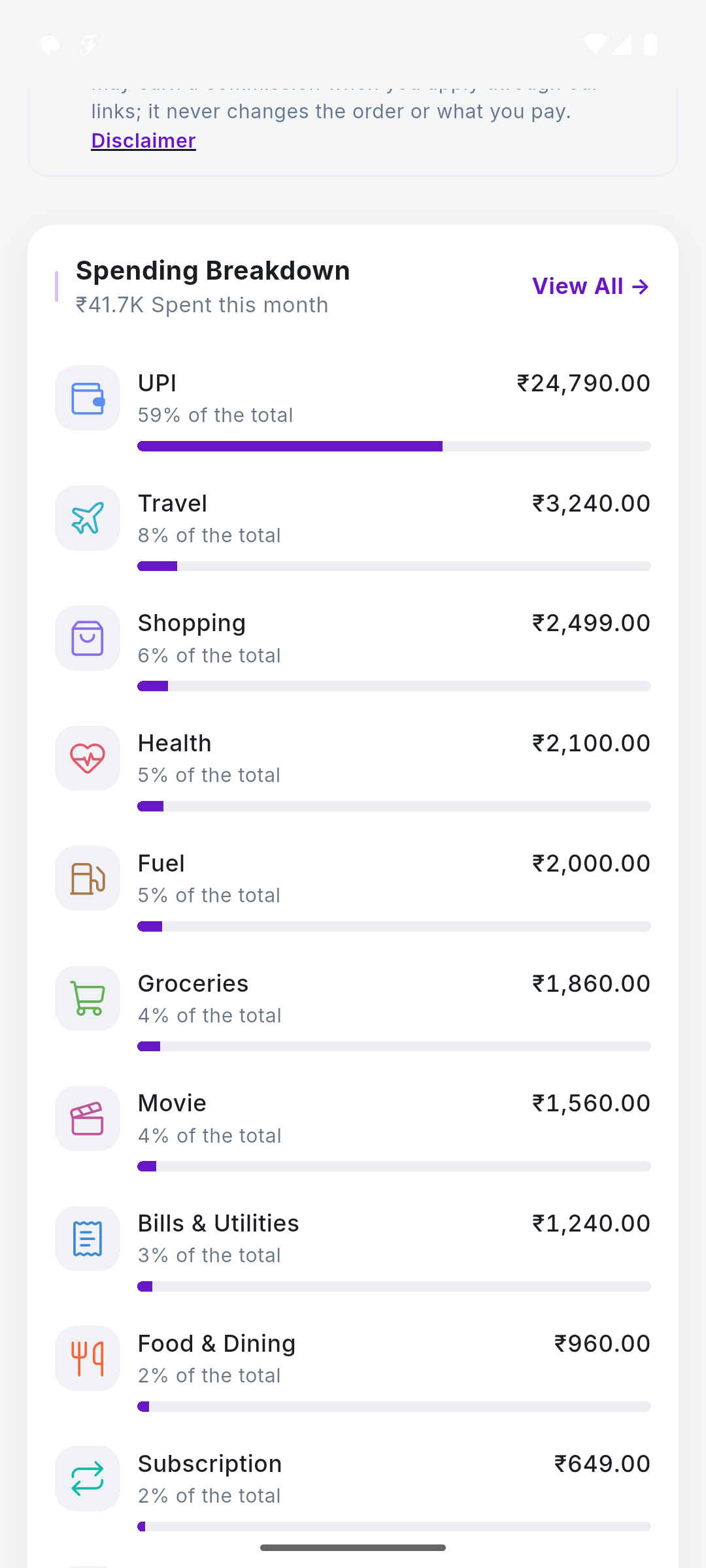
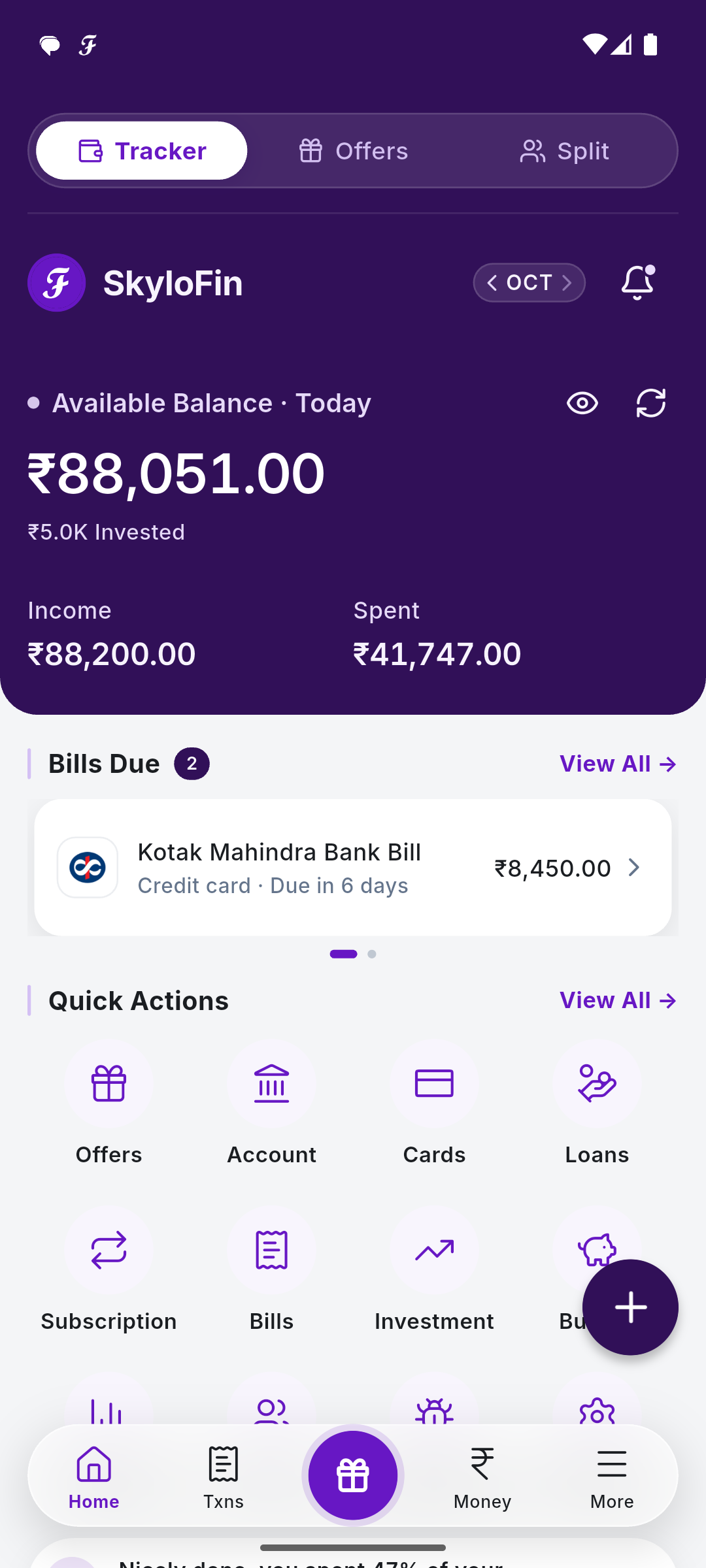
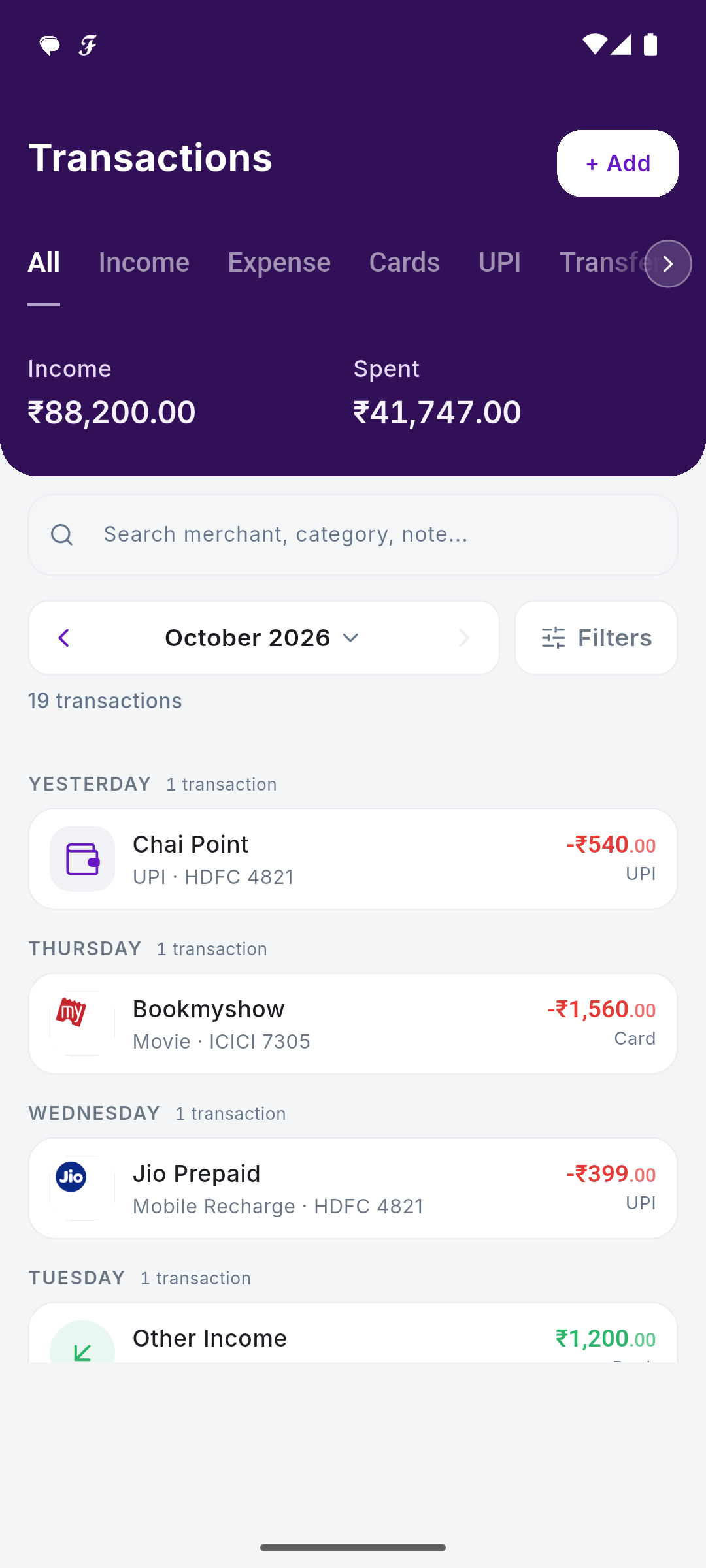
Our own app, so weigh this accordingly. SkyloFin reads bank and card SMS on your phone, with your permission, and turns each one into a transaction with amount, date, account or card, shop and category. It ignores personal messages. Data stays on the phone, and backup goes to your own Google Drive, encrypted. You also get budgets, bills and reminders, subscriptions, net worth and PDF reports.
Limits: Android only. It is new, so some bank message formats are still being added; when it cannot read one, it can send the format with every number replaced by dummy values. It does not move money. You can also use it without SMS access by adding spends by hand.
PennyWise
PennyWise is an open-source SMS tracker, available on Google Play and F-Droid. Its listing says everything happens on the device, with no account, no sign-up and no ads, and that the source code is public under the AGPL-3.0 licence. It also detects subscriptions and has an on-device AI assistant. If you can read code, you can check exactly what it does, which is a real strength.
Vrid
Vrid reads SMS from banks, cards and wallets and categorises spends automatically, with budgets, recurring transactions and cash entries. Its listing says it does not read personal messages or OTPs. It lists full support for Axis, HDFC, ICICI, IDFC and Kotak, and partial support for several others, so check your bank first.
Monefy
Monefy is built for speed: tap a category, enter the amount, done. It syncs through your own Google Drive or Dropbox, handles recurring payments and has a passcode. No SMS, no bank, just you and the app.
Cashew
Cashew is a manual tracker with flexible budget periods, good charts, and reminders for subscriptions and upcoming bills. Its listing says your data stays on your device and is never collected, shared or sold, with optional Google Drive backup.
Goodbudget
Goodbudget uses the envelope method: you split your salary into virtual envelopes (rent, groceries, fun) and spend from them. The free version is ad-free with 10 regular and 10 annual envelopes, and it works across Android, iPhone and the web, which suits couples. Note that data is backed up to Goodbudget’s website, and bank connection is a paid, web-only feature.
Want automatic tracking with nothing linked? SkyloFin is free on Android, with no ads and no bank login.
SMS or manual: which no-login route suits you?
| SMS-based | Manual | |
|---|---|---|
| Effort per day | Almost none; check categories now and then | Type every spend, including ₹20 chai |
| Catches UPI spends | Yes, from the bank debit SMS | Only if you remember |
| Catches cash spends | Only the ATM withdrawal | Yes, if you type them |
| Works on iPhone | No; iOS does not let apps read SMS | Yes, if the app has an iOS version |
| Permission needed | SMS read access | None |
Most people who quit tracking quit because of typing. If you have tried a manual app twice and given up, an SMS app is worth a go. If you spend mostly in cash, or you are on an iPhone, manual is your route.

What you give up without a bank link
Be clear about the trade-off. A bank link (AA or bank sync) can pull your full statement history, including old months, and update balances directly from the bank. An SMS app only knows what arrived as SMS on this phone. If you changed phones last year, or you paid from a UPI Lite balance, where the bank sends one summary SMS a day rather than one per payment, those gaps stay gaps.
In practice this matters less than it sounds. Most people care about this month and the next, not 2023. Start fresh on the 1st, add your opening balances once, and within a few weeks the picture is complete. If you also hold mutual funds or EPF and want them tracked automatically, an AA app such as Fold covers that; an SMS app will ask you to add them by hand.
Five checks before you grant SMS permission
- Read the privacy policy. Does it say messages are processed on the phone or uploaded?
- Check the Play listing’s data safety section for what is collected and shared.
- Look for a clear statement that personal messages and OTPs are ignored.
- Check how backup works: your own cloud, or the company’s servers?
- Know how to revoke it: Settings, Apps, the app name, Permissions, SMS.
For a deeper look, read what expense tracker apps can actually see. SkyloFin’s own answers are on our data safety page.
Frequently asked questions
Can an expense app track UPI payments without linking PhonePe or Google Pay?
Yes. Every UPI payment debits your bank account, and your bank sends an SMS for it. An SMS-based app reads that message, so it does not matter which UPI app you used.
Is Account Aggregator the same as giving my bank login?
No. With AA you approve sharing with an OTP and never give your password. It is still a link to your bank data, though, so it is not the same as “nothing linked”.
What happens to my data if I uninstall an app that stores data on the phone?
The data on the phone goes with the app. That is why a backup matters. SkyloFin backs up to your own Google Drive, encrypted; see backup and restore.
Do SMS apps work if I switch off SMS permission later?
New spends stop appearing automatically. In SkyloFin you can keep adding spends by hand, and you can turn access back on any time.
Tracking your money should not cost you your peace of mind. If you want automatic tracking with nothing linked, try SkyloFin free on Android.
Last checked: October 2026.
Updated 17 Oct 2026.