
Splitwise is the app most people think of when they hear “split the bill”. It has been around for years and it does the job well. But many Indian users look for alternatives, usually for one of three reasons: the free version now limits how many expenses you can add in a day and shows ads, they want something that also tracks their own spending, or they would rather do it inside an app they already use, like Google Pay.
So what are the real options in India, and which one fits which kind of person? Here is an honest look at the main choices, what each one is good at, and where each one falls short. No ratings or download numbers, because those change every month. Just how each one works.
The short answer
| If you want… | Look at |
|---|---|
| A dedicated split app with every option | Splitwise (free or Pro) |
| Free with no ads and no limits, for trips | Tricount |
| To split inside the UPI app you already use | Google Pay group bill split |
| Splits plus your own expense tracking in one app | SkyloFin (Android) |
| Full control and no app at all | A shared Google Sheet |

Splitwise
Splitwise lets you “split expenses with any group: trips, housemates, friends, and family”, keeps track of balances and “who owes who”, and lets you record a payment when someone settles up. It works on Android, iPhone and the web.
The free version still covers the basics. Splitwise Pro, the paid plan, describes itself as “No limits and no ads”, which means free users have a daily limit on new expenses and see ads. Pro adds extras such as receipt scanning, charts, currency conversion, search and default split settings. Its card-import feature is “currently available only in the US”.
Good for: groups who already use it and people who want the most split options. Watch out for: the daily limit on the free plan if you enter a whole trip at once, and that it does not track your personal spending outside splits.
Tricount
Tricount is built for trips and shared homes. Its website describes it as “Free. No ads. No limits.” and it is available on Android and iPhone, with offline use. You log who paid, agree how a cost is shared, and it shows who owes whom.
Good for: trips where you just want splitting, nothing else, with no ads. Watch out for: like Splitwise, it does not know about your bank account, so every expense is typed by hand.
Google Pay group bill split
If your friends all use Google Pay, you may not need a separate app. In a Google Pay group chat you can tap “Split an expense”, enter the total, name the bill and pick the members. Each person gets a request they can pay from the chat. Google Pay also shows group expenses as owed by you, owed to you and settled.
Good for: quick one-off splits where everyone uses Google Pay. Watch out for: it works best for one bill at a time, and friends on PhonePe or Paytm are left out of the request flow.
SkyloFin
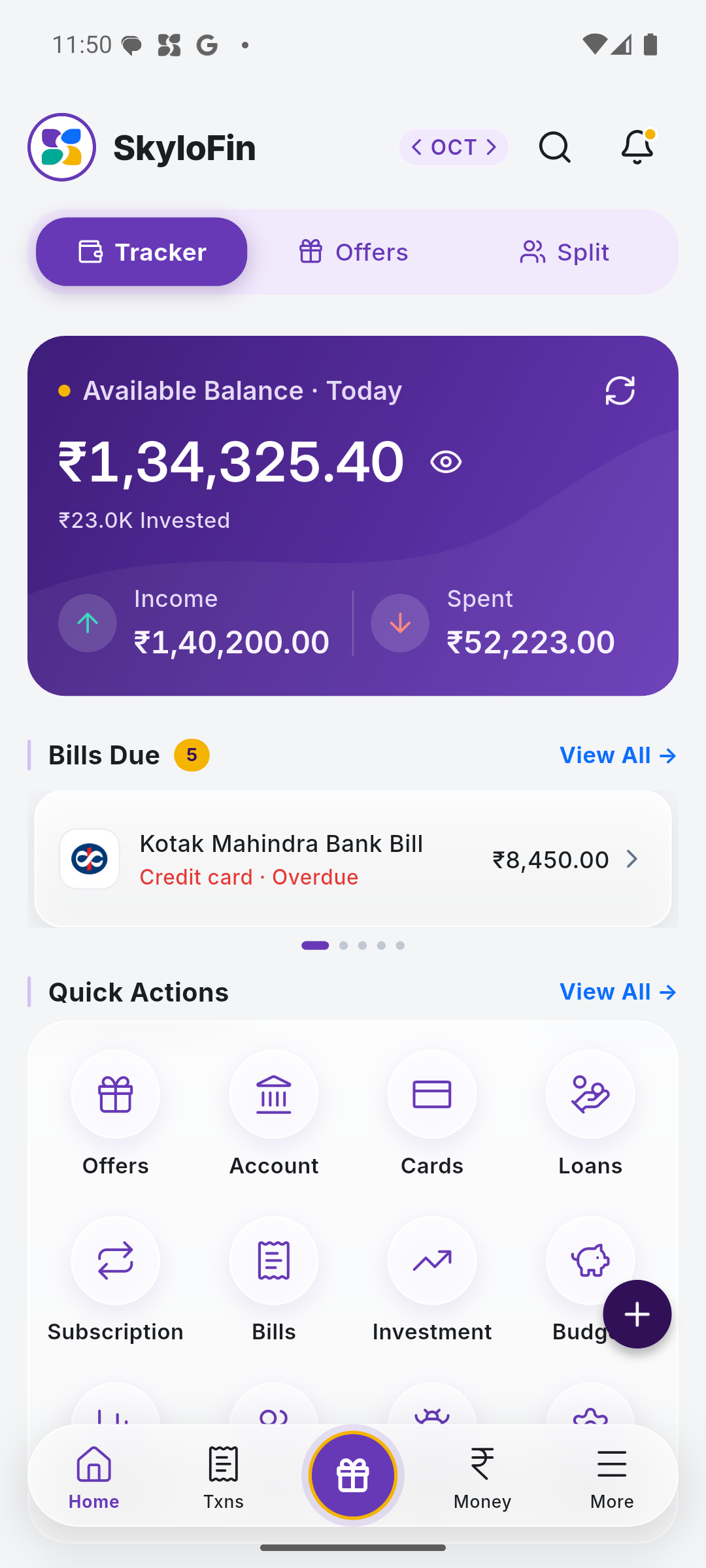
SkyloFin is an expense tracker that reads your bank and card SMS on your phone, and it has a Split section built in. You can split a bill with friends or in a group or trip, equally, by exact amounts, by percentage or by shares. The group shows who paid what and “To settle up” with the fewest payments, and you can share the summary or send a reminder. There is also Udhar for one-to-one money you lent or borrowed. See how Split works.
The difference from a pure split app: because SkyloFin already sees your UPI and card payments from SMS, you can split a payment straight from your transactions list instead of typing it again, and when a friend pays you back by UPI it can match the credit to what they owe. Only your own money becomes a transaction, so your monthly spending stays accurate.
Good for: people who want one app for their own expenses and their splits. Watch out for: it is Android only for now, and your friends see the summary you share rather than using the app themselves.
SkyloFin is free on Android, with no ads and no bank login. Try SkyloFin.
A shared Google Sheet
The no-app option still works. Make a sheet with four columns (what, how much, who paid, who shares it), share it with the group and add a simple formula for each person’s balance. Our guide to splitting trip expenses shows the four columns and a worked example.
Good for: people comfortable with spreadsheets and groups that want full control. Watch out for: someone has to maintain it, and phone editing is fiddly.

How to choose
Ask yourself two questions.
- Do you only want to split, or also track your own money? If only splitting, Splitwise, Tricount or Google Pay are enough. If you also want to see where your salary goes each month, an expense tracker with splits saves you running two apps.
- What do your friends already use? A split app only helps if the group agrees to it. For a one-time trip, pick what the most organised person in the group likes.
Whatever you choose, the method matters more than the app: note every expense the same day, split fairly, and settle once at the end with the fewest payments, where the people who owe the most pay the people who are owed the most.
What no split app can do for you
Every app above does the maths. None of them can make a friend pay. The habits still matter:
- Agree the rules before the trip. What is shared, what is personal, and how unequal items are split.
- Add expenses the same day. An app with half the bills in it gives a wrong answer with great confidence.
- Settle within a week. After a month, small amounts feel awkward to ask for and are often never paid.
Frequently asked questions
Is Splitwise free in India?
Yes, Splitwise has a free version. Its paid Pro plan removes the daily limit on new expenses and the ads, and adds features like receipt scanning and charts.
Which split app has no ads?
Tricount says it is free with no ads and no limits. SkyloFin is free with no ads. Splitwise is ad-free only on the Pro plan.
Can I split bills in Google Pay?
Yes. In a Google Pay group chat, tap Split an expense, enter the amount and pick the members. Each person gets a payment request.
Is there a split app that also tracks my own spending?
SkyloFin combines an SMS-based expense tracker with Split and Udhar, on Android.
Last checked: November 2026.
Updated 20 Nov 2026.