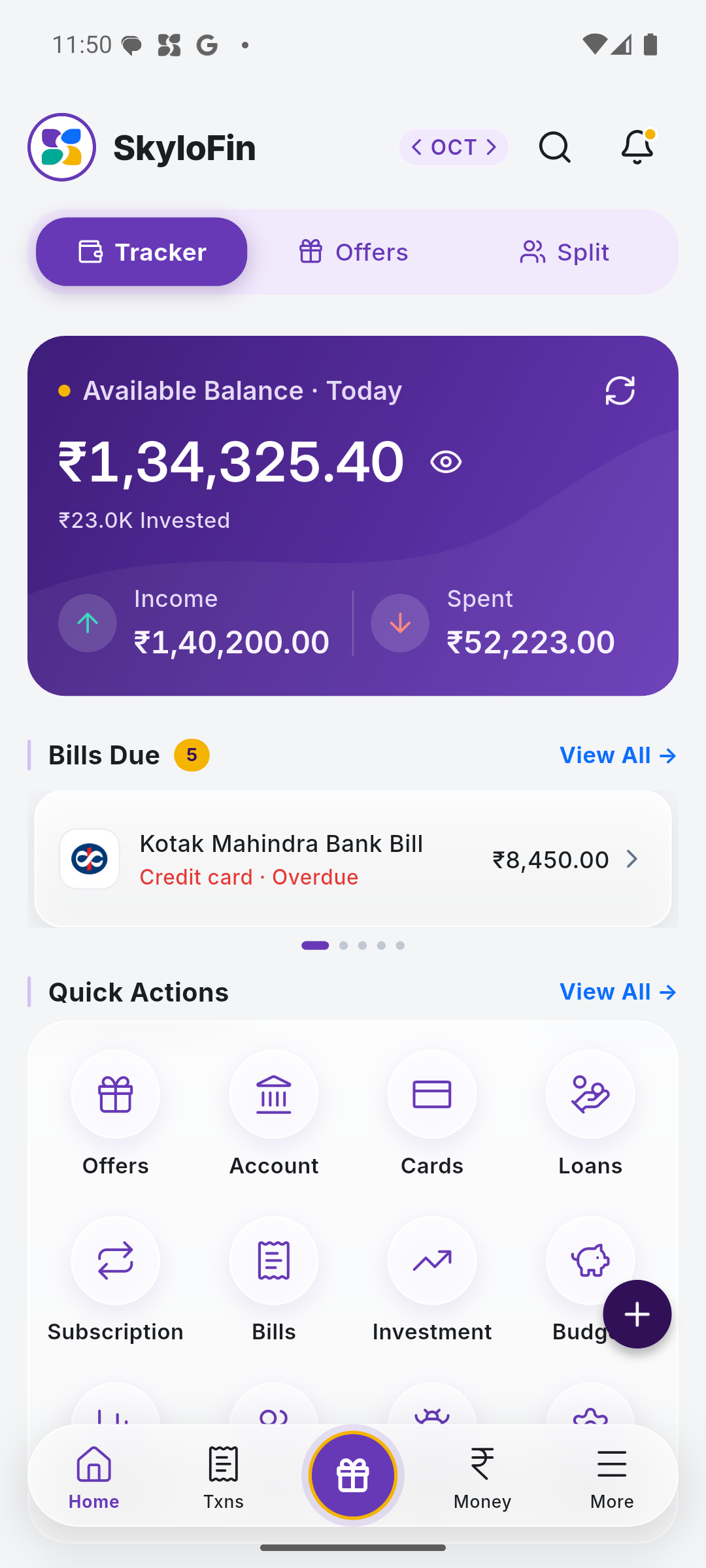

You find a new money app. It promises to track every rupee, and it wants to read your SMS. The download count is small, you have never seen an ad for it, and Google does not show it on the first page. Is it safe, or is it a cheap app you will regret installing?
You do not need to trust the app, or a review, or an AI chatbot. Android and Google Play already show you most of what you need, if you know where to look. This guide walks through a ten-minute check you can run on any finance app before you tap Install, and again before you tap Allow.
We make an expense tracker, so we have a stake in this. That is why every step below works the same on our app as on anyone else’s, and we show you our own answers at the end.
Why download counts and ads are a weak signal
Big numbers feel safe. But a download count tells you how much an app has spent on marketing and how long it has existed, not what it does with your data. Some of the apps that misused borrowers’ contacts in India had millions of downloads. A new app with a few hundred installs can be careful, and a famous one can be careless.
So treat downloads, ads and ratings as a first impression only. The checks below look at what the app is actually allowed to do.
The 10-minute check
1. Who is the developer? (1 minute)
On the Play Store page, scroll to About the developer (or App support). Look for a real company or person name, an email, a website and an address. Then open that website. Does it name the same company? Does it give a registration such as an MSME Udyam number or a company number? An app with no name, a free email address and no website is a warning sign for any app that touches money.
2. Read the Data safety section (2 minutes)
Every Play Store app has a Data safety section filled in by its developer. It says what data the app collects, whether it is shared with others, and whether it is encrypted in transit. Look for two lines in particular: Data shared with third parties and Financial info. If an expense tracker says it shares financial info, ask why.
The Data safety form is the developer’s own statement, and Google can act against an app whose form does not match what it does. It is not proof, but a vague or empty form is a bad sign.
3. Check the permissions it asks for (2 minutes)
An app should ask only for what its job needs. An SMS-based expense tracker needs to read SMS. It has no reason to want your contacts, your photos, your precise location or your call log. A payment app needs more; a tracker does not.
| Permission | Fits an expense tracker? | Why it matters |
|---|---|---|
| Read and receive SMS | Yes, for automatic tracking | This is how bank alerts become transactions |
| Send SMS | No | A tracker never needs to send messages from your number |
| Contacts | No | Contact lists have been misused to shame borrowers |
| Photos and files | No (except to save your own export) | Your gallery has nothing to do with spending |
| Precise location | No | Spending can be tracked without knowing where you are |
| Notifications | Yes, for reminders | Bill and budget alerts need it |
You can see what an installed app already has in Settings > Apps > [app name] > Permissions, and the Privacy dashboard or Permission manager on newer Android versions shows which apps used a permission recently.
4. Find out where your data lives (2 minutes)
Open the app’s privacy policy and look for three answers: what is stored on their servers, what stays on your phone, and where backups go. A good policy names the things it never collects, not only the things it does. Watch for wording like “we may share data with partners for marketing”, which in practice can mean your spending profile is used to sell you loans.
5. Find out how it makes money (1 minute)
Free apps pay their bills somehow: ads, a paid plan, selling products such as cards or loans for a referral fee, lending money themselves, or selling data. Each one is a different relationship with you. A company that says plainly how it earns is easier to trust than one that says nothing. If you cannot find the answer anywhere, assume the answer is your data.
6. If it ever offers loans, check the lender (2 minutes)
Lending is where the real harm has happened in India. Since 2025 the Reserve Bank of India publishes a list of digital lending apps that regulated lenders have reported to it, so you can check whether an app’s claim of working with a bank or NBFC is real. Google Play also requires personal loan apps in India to declare their licence, and since 2023 its policy bars loan apps from reading your contacts, photos, call log or precise location.
Note the RBI’s own limit: the list is based on what lenders report, and RBI says it does not separately validate it. It is a check, not a guarantee.

Red flags that should stop you
- It asks for contacts, photos or location and the reason does not make sense for its job.
- It wants your net-banking password or card PIN. No tracker needs these.
- The privacy policy is missing, copied from another app, or never mentions SMS even though the app reads it.
- It pushes instant loans on the first screen, before it has tracked anything.
- The developer has no website, no address and no way to reach a person.
None of these alone proves an app is bad. Two or more together is a good reason to keep looking.
What the check looks like on SkyloFin
We ran the same check on our own app, so you can compare. You can verify each line yourself on our Play Store page, our data safety page and our privacy policy.
| Check | SkyloFin’s answer |
|---|---|
| Developer | Skylo Digital, a proprietorship in Nashik, MSME Udyam UDYAM-MH-23-0433200 |
| Permissions | Read and receive SMS, notifications. No send-SMS, no contacts, no location |
| Where data lives | Transactions stay on your phone; backup goes to your own Google Drive, encrypted |
| What our server keeps | Your sign-in name and email, and your phone model, Android and app version |
| How it earns | Referral fees when you choose a card or loan from a partner; no ads |
| Does it lend? | No. It never lends or moves money |

Our honest limits: SkyloFin is a new app, it is Android only, and some bank message formats are still being added. The app does show offers for cards and loans from partners, and that is how we earn. Those offers are picked on your phone; your spending is never sent to us to choose them. More detail is on Is SkyloFin safe? and how we make money.
If that is the kind of app you were looking for, SkyloFin is free on Android, with no ads and no bank login.
Frequently asked questions
Is an app with few downloads unsafe?
Not by itself. Downloads measure marketing and age. Permissions, the Data safety section and the privacy policy tell you far more about how an app treats your data.
Can an expense tracker see my OTPs?
An app with SMS permission can technically read any SMS, including OTPs. A careful one filters by sender and ignores everything that is not a bank alert, and says so in its policy. That is why who made the app, and what they promise in writing, matters.
How do I take a permission back?
Go to Settings > Apps > the app > Permissions and set it to Don’t allow. The app keeps what it already recorded; it simply stops reading new messages.
Where is the RBI list of lending apps?
On the RBI website, as the list of digital lending apps deployed by regulated entities. Search the app’s name there before you borrow through it.
Ten minutes is enough to avoid most bad apps. Run the check, then decide. To start with an app that passes it, get SkyloFin free on Android.
Last checked: October 2026.
Updated 13 Oct 2026.