Your Money, Right on Your Home Screen.
Some days you only want one number: what is due, what you spent today, how much budget is left. SkyloFin's widgets keep it on your home screen, filled in from your bank messages, and one tap opens the page behind it.
- 7Widgets to choose from
- 1 tapOpens the page behind it
- FreeNo ads, nothing to buy
What You Get
Everything below is in the app today.
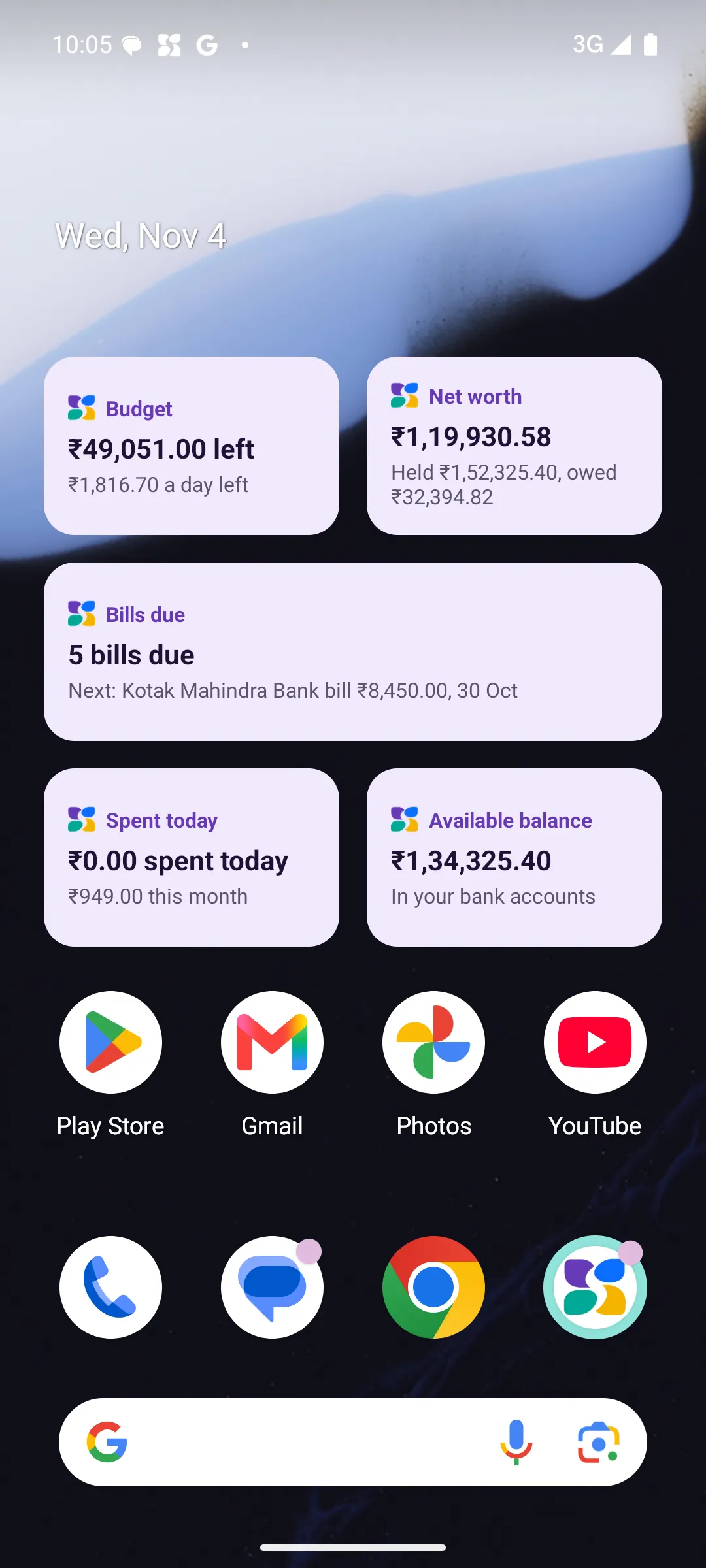
Bills due
How many bills are due and the next one, so a due date never surprises you.
Spent today
Today's spending and this month's, the moment a bank SMS arrives.
Budget left
What is left of this month's budget and what you can spend a day.
Balance and net worth
Money in your bank accounts, and what you hold less what you owe.
Udhar and split
What friends owe you and what you owe them.
Respects Hide Amounts
When amounts are hidden in the app, the widgets hide them too.
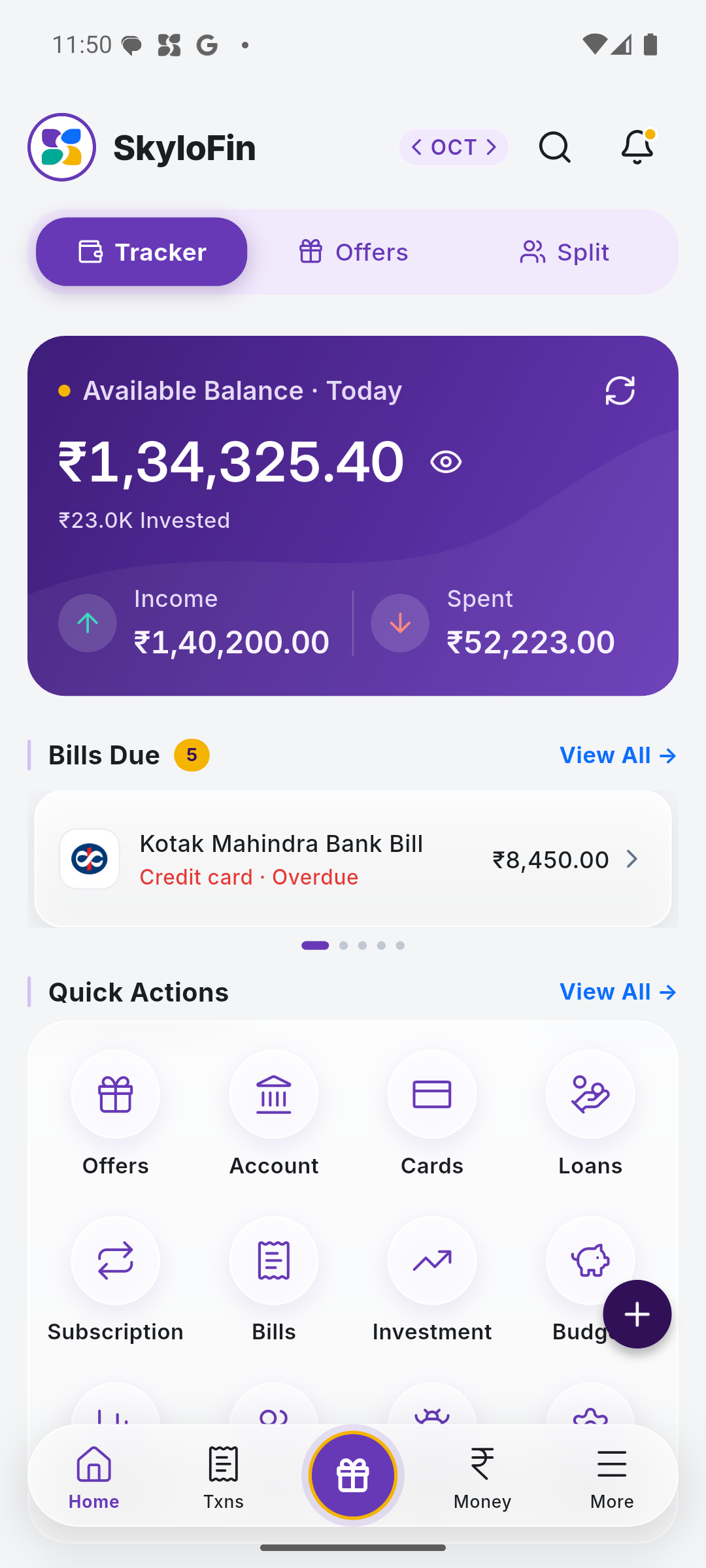
See It in the App
Real screens with sample data.
How It Works
Hold the home screen
Long-press an empty spot and tap Widgets.
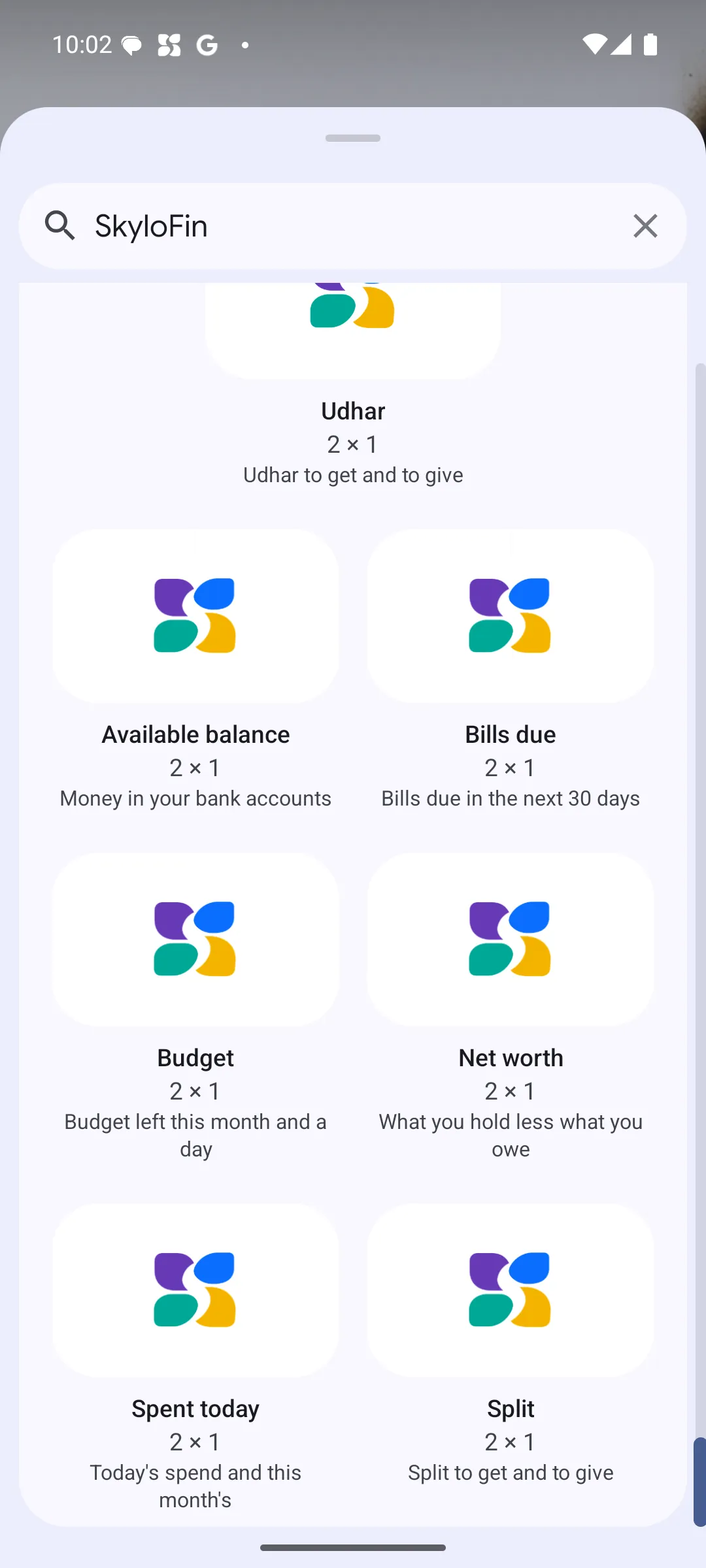
Find SkyloFin
Search SkyloFin in the widget list.
Drag one in
Pick the widget you want and drop it where you like.
Tap to open
Each widget opens its page in the app.
Step by step, with screenshots
Common Questions
01Which widgets are there?
Available balance, Bills due, Budget, Net worth, Spent today, Split and Udhar.
02Do the widgets show my amounts to anyone who picks up my phone?
Only if amounts are shown in the app. Turn on Hide Amounts and the widgets hide them too.
03Do they need the internet?
No. They read the same data the app keeps on your phone.
More in SkyloFin - Expense Tracker
Want It on Your Phone?
Free, no ads. It reads your bank SMS on your phone, and your transactions stay there.
Needs Android 7.0 or later.