Bank of India Bahalda, Bahalda Dist Mayurbhanj IFSC Code

IFSC BKID0005504 · MICR 757013502. Address, phone and the payments this branch supports.

Bank of India

Bahalda branch

IFSCBKID0005504
MICR757013502
Address
At Post Bahaldadistrict Mayurbhanj
City
Bahalda Dist Mayurbhanj
District
Bahalda Dist Mayurbhanj
State
Odisha
Branch phone
+916794231224
  • NEFT ✓
  • RTGS ✓
  • IMPS ✓
  • UPI ✓

Check your Bank of India balance: give a missed call to 9811255430 from your registered mobile.

Compare Bank of India credit cards and accounts →

Sending money to this branch

  • NEFT: bank transfers, round the clock, settled in batches.
  • RTGS: ₹2 lakh and above, in real time.
  • IMPS: instant transfers, any time.
  • UPI: UPI payments to accounts at this branch.

Add the payee with the account number and the IFSC BKID0005504, and check the name your bank shows before you confirm. For a large payment, confirm the IFSC with the account holder: branches do merge and move.

Track Your Bank of India Account Automatically

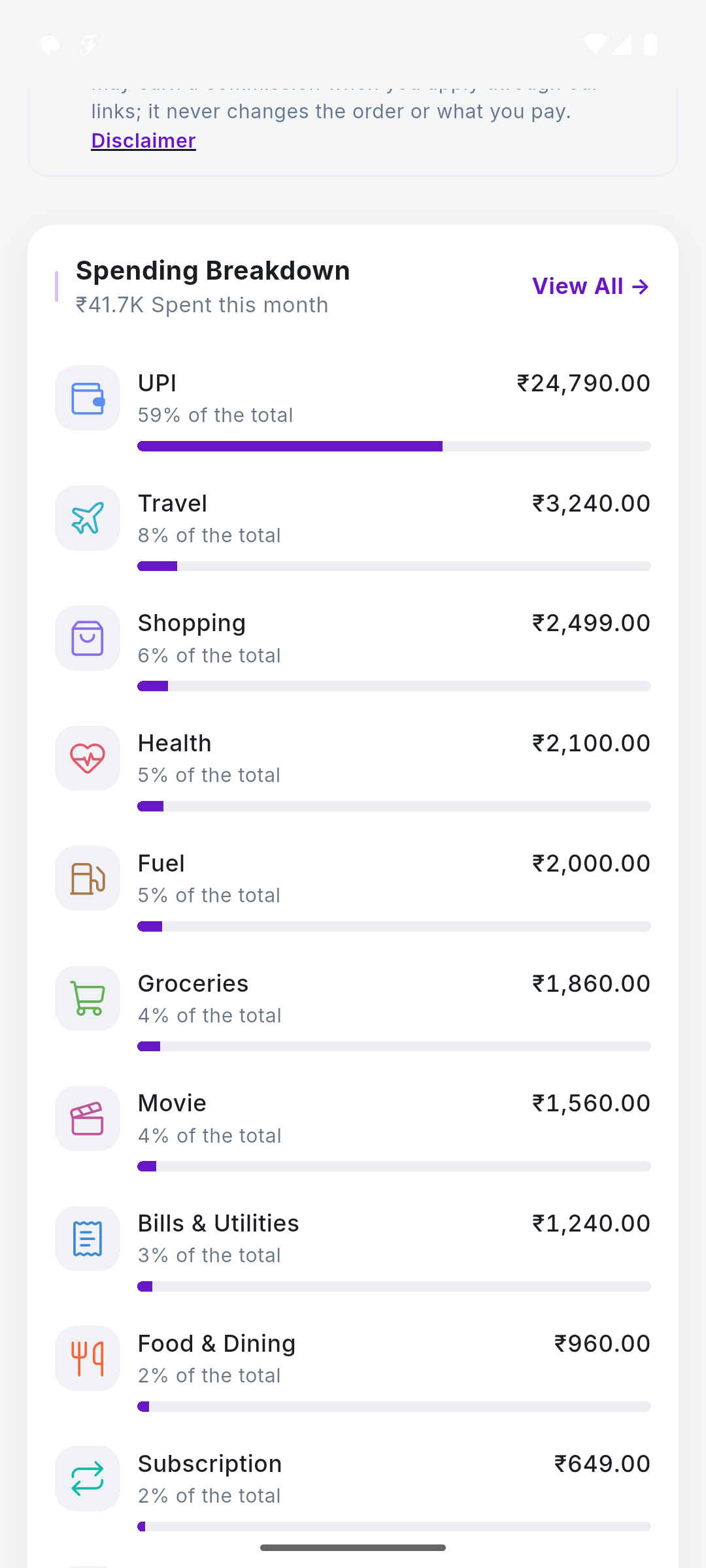
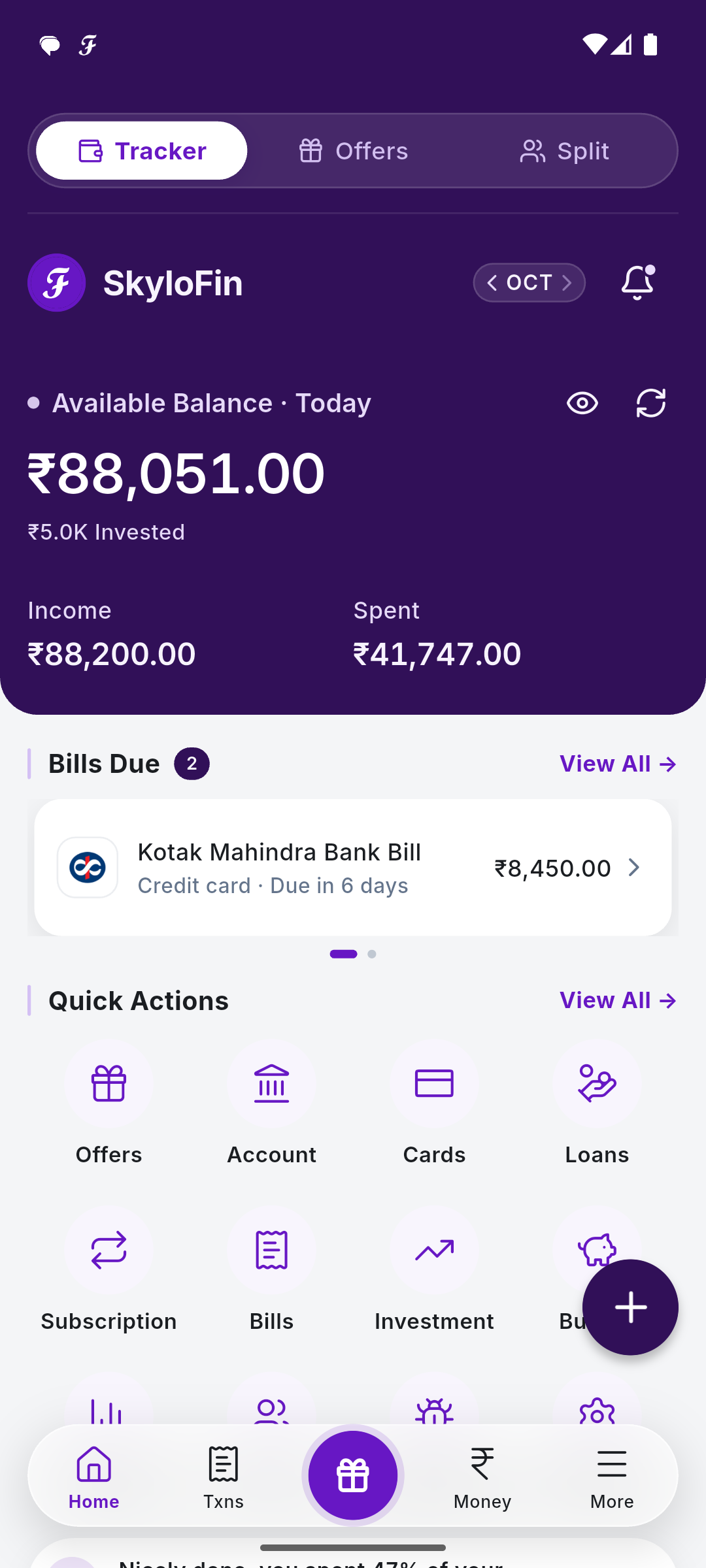
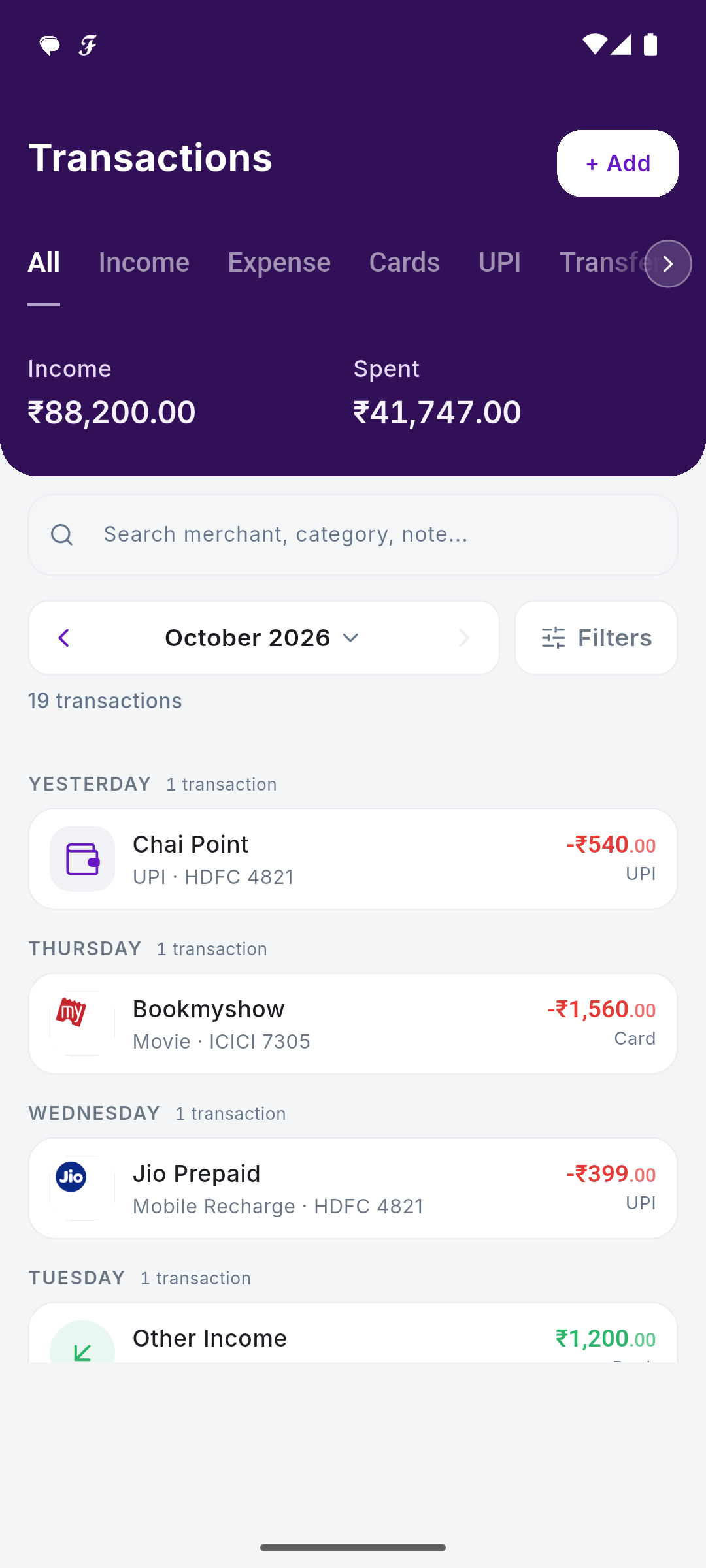
The SkyloFin app reads your bank's SMS alerts and sorts every spend, bill and transfer for you. Free on Android, and your data stays on your phone.

Get It on Google Play

Common Questions

What is the IFSC code of Bank of India Bahalda, Bahalda Dist Mayurbhanj?

The IFSC code of Bank of India Bahalda, Bahalda Dist Mayurbhanj is BKID0005504.

What is the MICR code of Bank of India Bahalda, Bahalda Dist Mayurbhanj?

The MICR code is 757013502. It is printed on the branch's cheques.

Does Bank of India Bahalda, Bahalda Dist Mayurbhanj support RTGS and NEFT?

RBI's list shows it supports NEFT, RTGS, IMPS, UPI.

Source: the Reserve Bank of India's branch list, via Razorpay's open IFSC dataset, refreshed monthly.

SkyloFin - Expense Tracker

Your Money. One Clear View.

Automatically organise your spending, track expenses and understand where your money goes.

  • Reads bank SMS No account linking, no passwords.
  • Sorts every rupee Into categories you can edit.
  • Bills and cards Statements found, due dates reminded.
  • Your Google Drive Backed up to you, never to us.